eGovPH App Registration, Login & Services Proper Guide in 2026
The eGovPH App Registration, Login & Services Guide 2026 helps users understand how to create and access an eGovPH account and use different digital government services in one convenient platform. The eGovPH app is designed to make government transactions easier by providing access to selected public services through a digital platform. Whether you are a new user completing eGovPH registration or an existing user looking for the correct eGovPH login process, knowing the basic steps can help you access your account smoothly, use available services, and avoid common registration or login issues.
In this complete guide, we will explain the eGovPH App registration process, eGovPH login steps, account access, and the main eGovPH Services 2026 available through the platform. You will also learn what information may be required during registration, how to access your account securely, and what steps to take if you experience common login or registration issues. By following the eGovPH registration guide step by step, users can better understand how to navigate the app, manage their account, and use available digital government services more efficiently. visit our web site: https://philippinesonlinehelp.com
About eGovPH
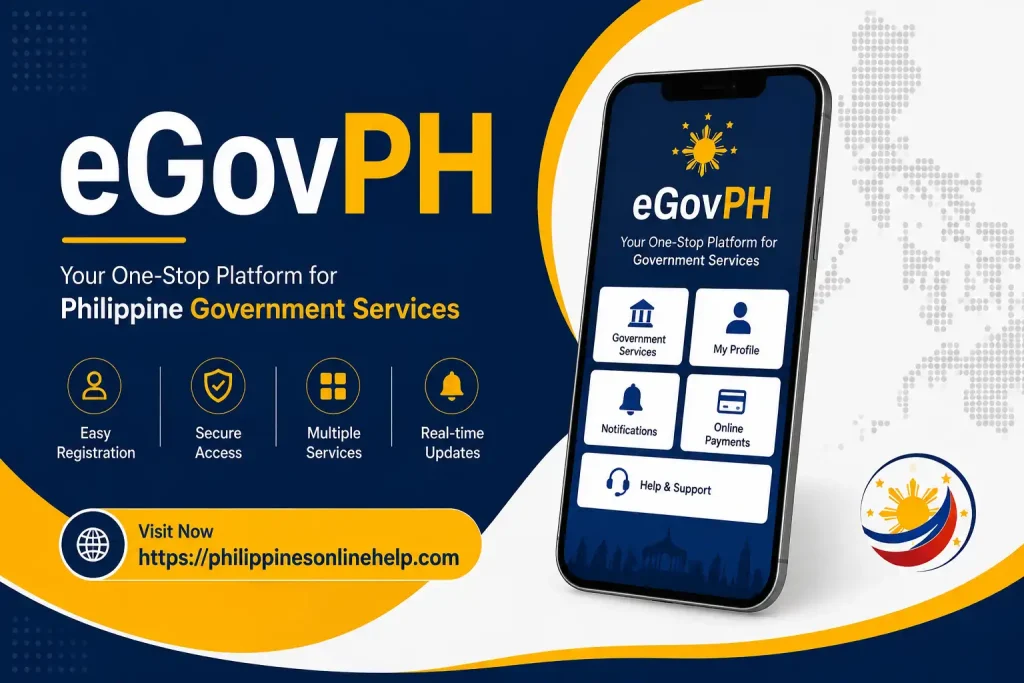
eGovPH is a digital government platform in the Philippines designed to make access to selected government services more convenient through a single online application. The eGovPH app allows users to access various public services, manage their digital government transactions, and use available features without needing to visit different government websites or offices for every service. By using eGovPH, citizens can more easily navigate digital government services, access their accounts, and complete supported transactions through one centralized platform.
How to Register in eGovPH
To complete eGovPH registration, download and open the official eGovPH app, then select the option to create or register a new account. Follow the on-screen instructions and provide the required personal information, such as your mobile number and other details requested by the app. You may also need to complete identity verification and follow the instructions sent to your registered mobile number. Once your information has been submitted and verified successfully, you can create or access your eGovPH account and use the available eGovPH digital services through the app.
Step 1: Download the eGovPH App
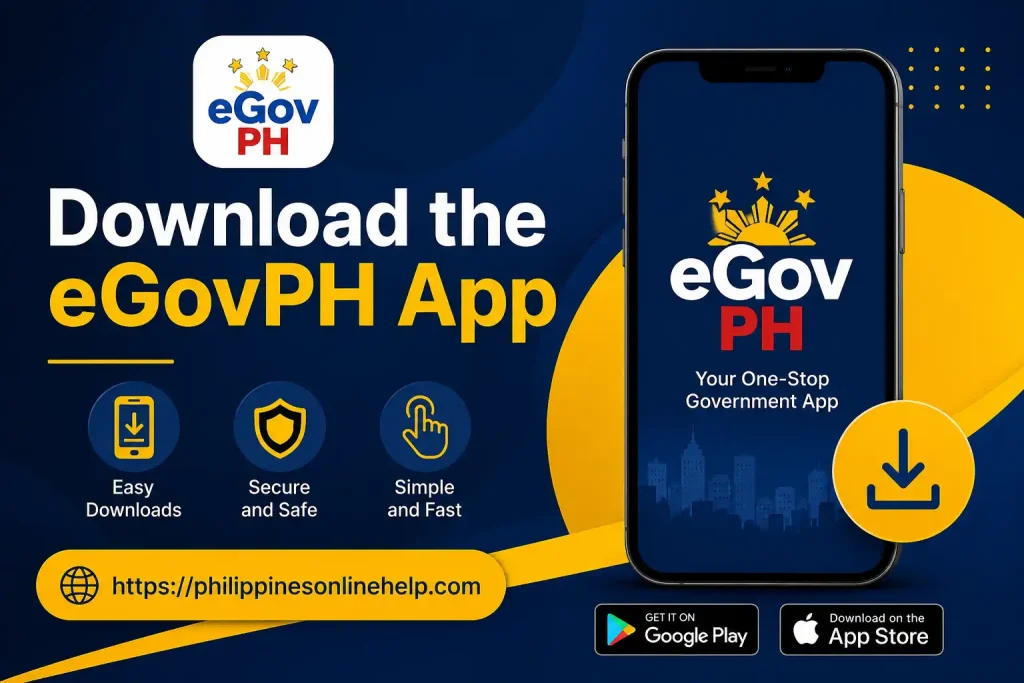
Start the eGovPH registration process by downloading the official eGovPH App on your smartphone. Open the Google Play Store or Apple App Store, search for the eGovPH app, and make sure you select the official application before installing it. Once the app is successfully downloaded and installed, open it to begin your eGovPH account registration.
Step 2: Open the App and Tap “Sign Up”
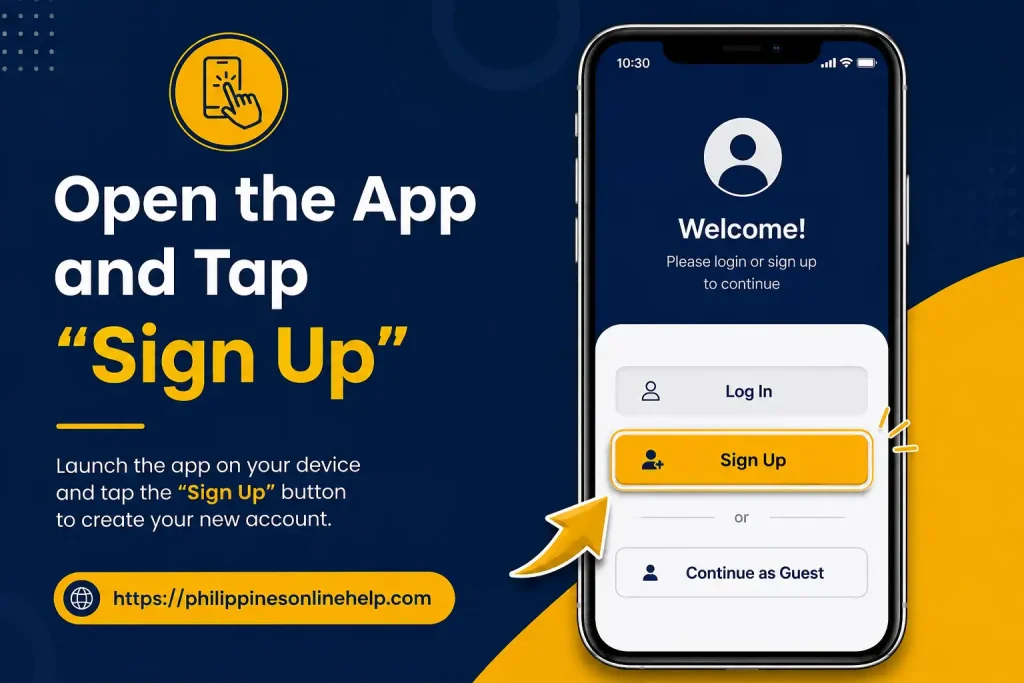
After installing the eGovPH App, open it on your smartphone and look for the “Sign Up” option on the welcome or login screen. Tap “Sign Up” to start creating your new eGovPH account and proceed with the registration process by following the instructions displayed in the app.
Step 3: Enter Your Name and Email Address
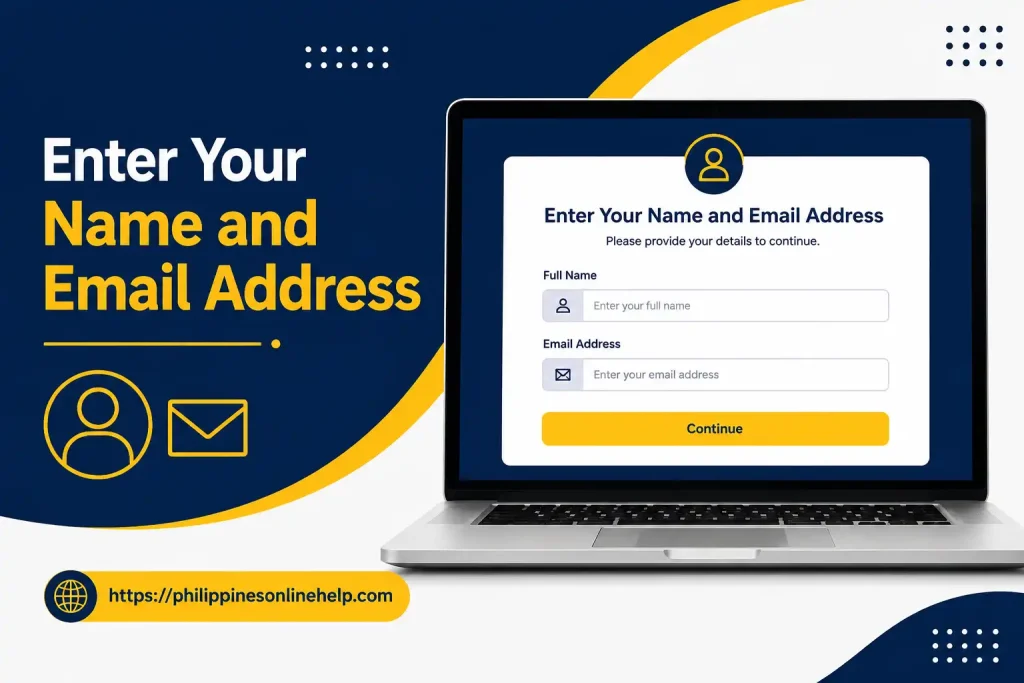
In this step of the eGovPH registration process, enter your correct full name and email address in the required fields. Make sure the information you provide is accurate and that you have access to the email address you enter, as it may be used for account verification and important eGovPH notifications. After checking your details, continue to the next step of the registration process.
Step 4: Verify Your Email and Mobile Number
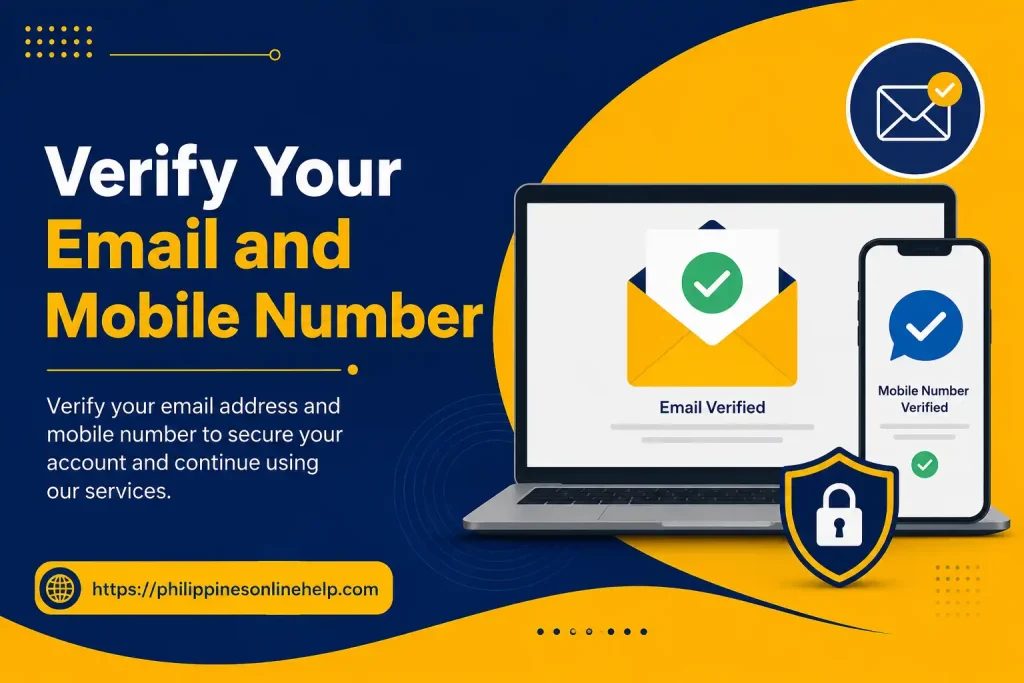
Continue the eGovPH registration process by verifying your email address and mobile number when prompted in the app. Check your email or phone for the required verification code or instructions, then enter the details correctly to confirm your contact information. Completing this eGovPH account verification helps ensure that your account details are accurate before you continue with the registration process.
Step 5: Create Your MPIN
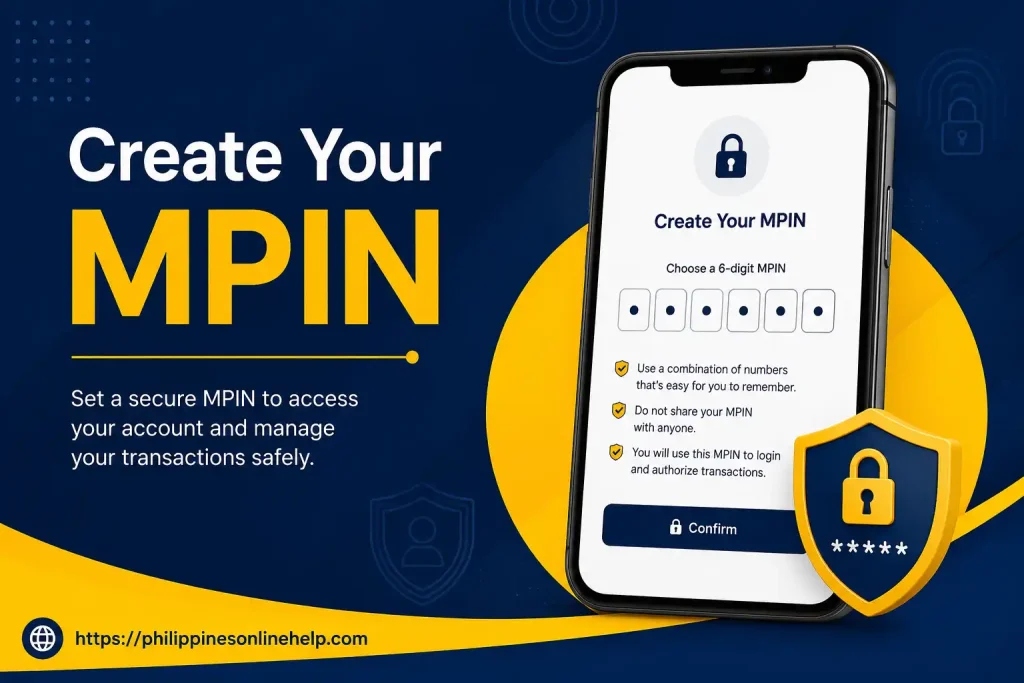
After completing the verification process, create a secure MPIN for your eGovPH account when prompted. Choose a PIN that is easy for you to remember but difficult for others to guess, and avoid using simple combinations such as repeated or sequential numbers. Enter your MPIN carefully and confirm it as required to help protect your account and support secure access to eGovPH services.
Step 6: Verify Your Identity
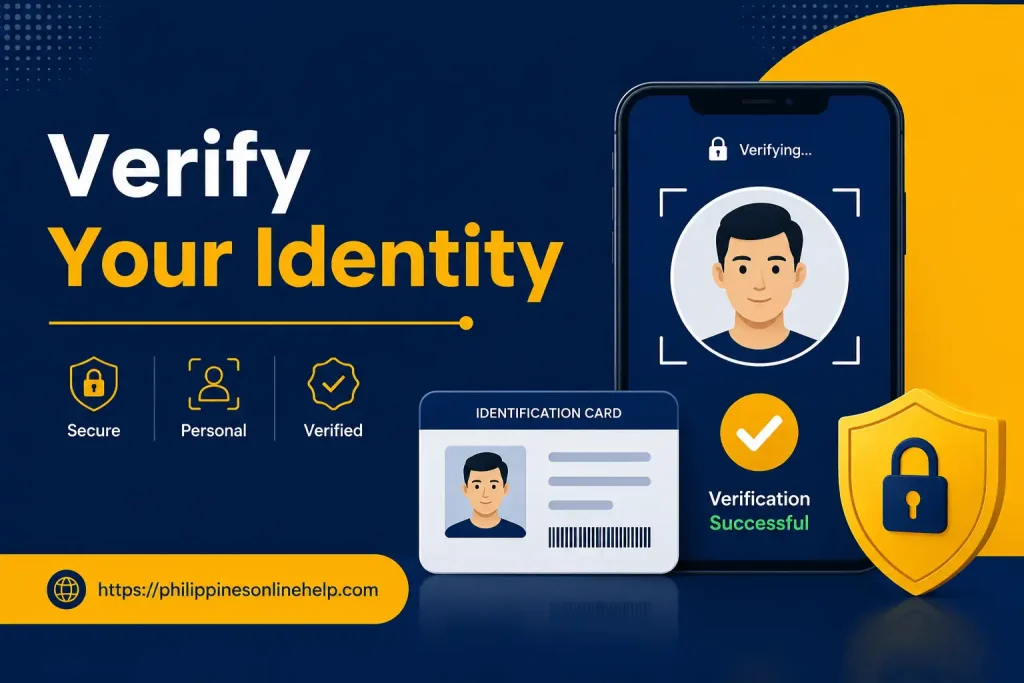
Complete the eGovPH identity verification process by providing the required personal information or identification details requested by the app. Follow the on-screen instructions carefully and make sure all submitted information is accurate and matches your official records. Once your identity is successfully verified, you can continue setting up your eGovPH account and access the available digital government services.
How to Login in eGovPH
To complete the eGovPH login process, open the official eGovPH App on your smartphone and select the login option. Enter the required mobile number or account details associated with your registered account, then provide your MPIN or follow any verification instructions shown on the screen. Make sure your login information is correct before continuing. After successful verification, you will be able to access your eGovPH account and use the available eGovPH digital government services through the app.
Step 1: Open the eGovPH App
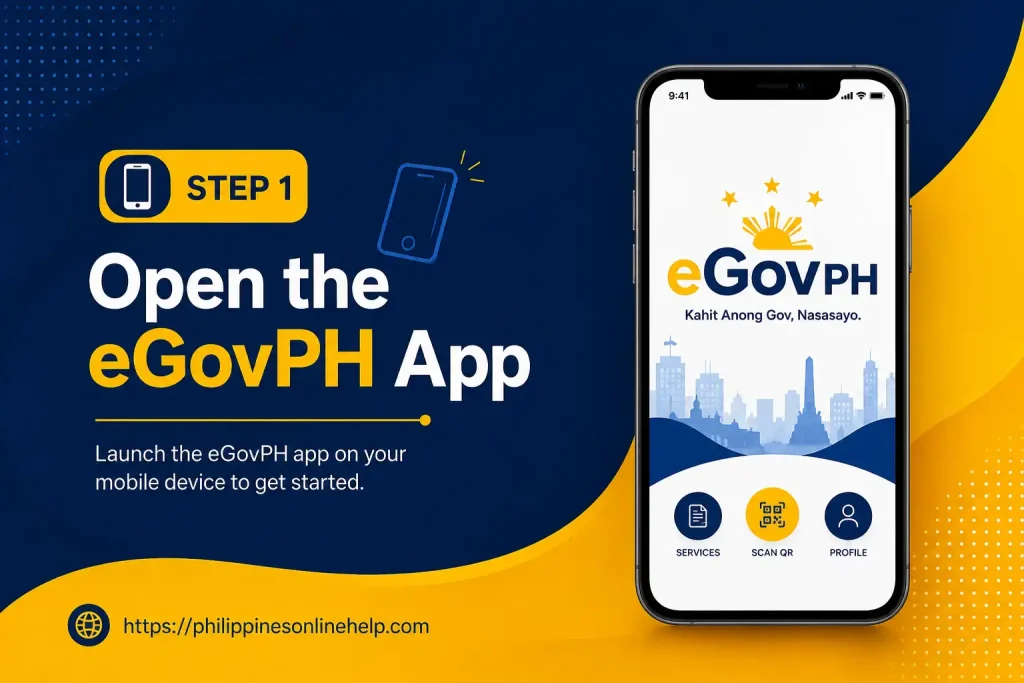
Start the eGovPH login process by opening the official eGovPH App on your smartphone. Make sure the app is installed from the official app store and that you have an active eGovPH account before proceeding. Once the app opens, look for the login option to continue accessing your account and available eGovPH services.
Step 2: Enter Your Registered Details
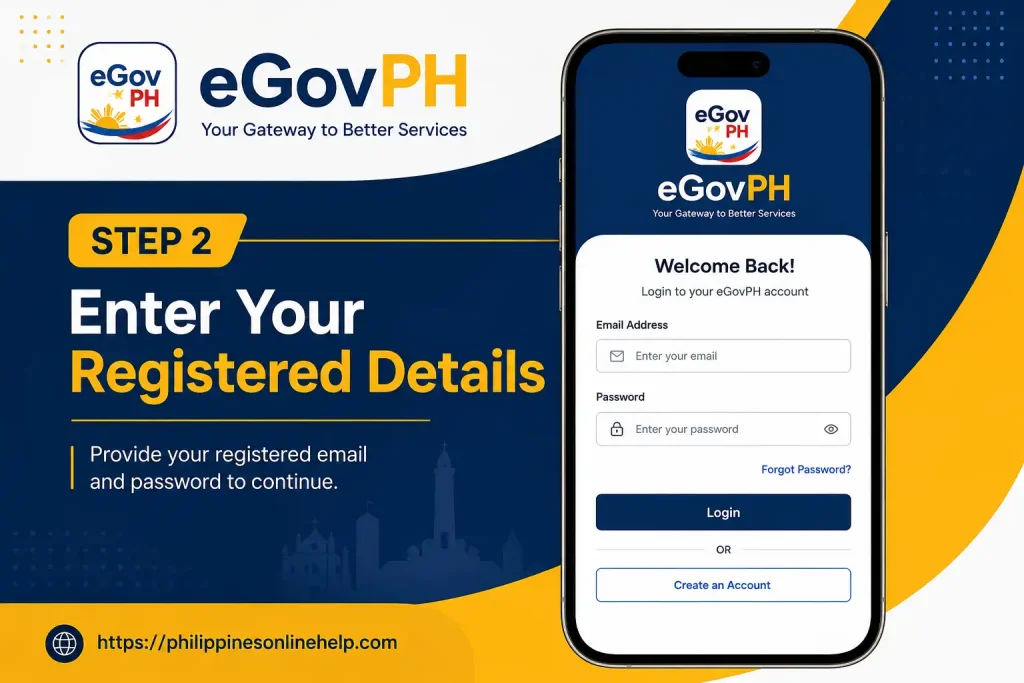
Continue the eGovPH login process by entering the registered mobile number or other account details associated with your eGovPH account. Carefully check the information before proceeding to ensure that your details are correct and match the information used during eGovPH registration. Once entered successfully, continue to the next step to access your account securely.
Step 3: Enter Your MPIN and Access Your Account
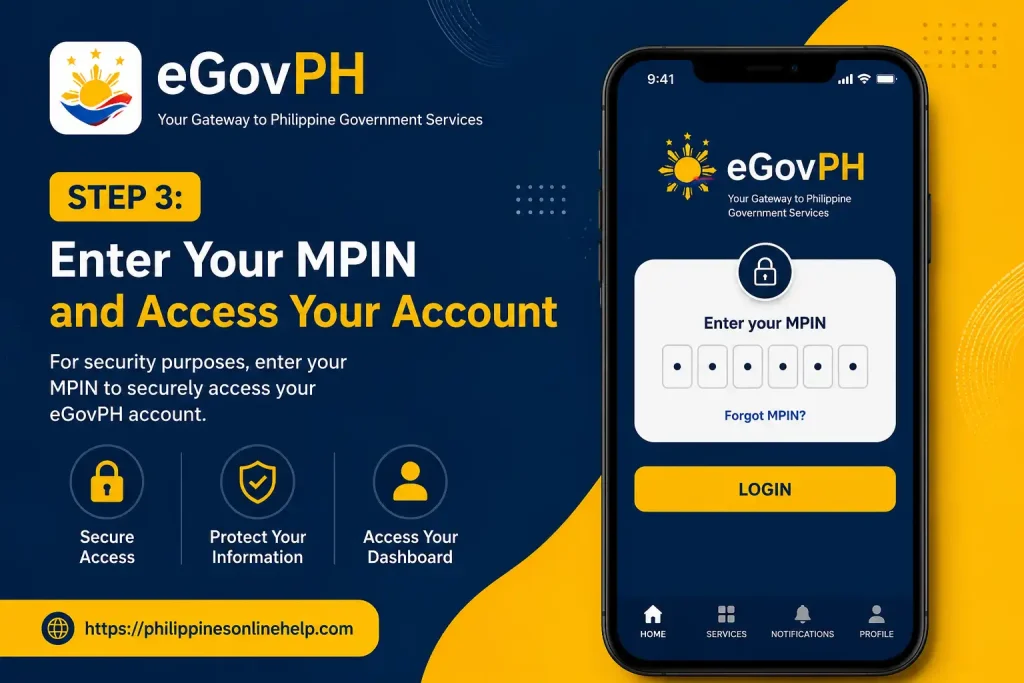
Enter your secure MPIN in the required field to complete the eGovPH login process. Make sure you enter the correct MPIN associated with your account, then continue to verify your details and access your eGovPH account. Once the login is successful, you can use the available eGovPH digital services and manage your government transactions through the app.
eGovPH Services Guide
The eGovPH Services Guide explains the different digital government services that users can access through the eGovPH platform. After completing eGovPH registration and login, users can explore available government services, manage their account, and access supported online transactions through the app. The eGovPH platform is designed to bring selected public services together in one convenient digital environment, making it easier for users to navigate and access government-related services online.
Step 1: Open the eGovPH App
Start by opening the official eGovPH App on your smartphone to access the available eGovPH Services. Make sure the application is properly installed and updated before proceeding. Once the app opens, you can explore the available digital government services and select the service you need.
Step 2: Select the Government Service You Need
After opening the eGovPH App, browse through the available eGovPH Services and select the government service you want to access. Review the service options carefully and choose the one that matches your needs. Depending on the selected service, you may be asked to provide additional information or complete further steps through the digital government platform.
Step 3: Complete the Service and Check Your Status
After selecting the required eGovPH service, follow the on-screen instructions and provide any necessary information to complete the transaction. Once you have submitted your request, use the available status checking or tracking options to monitor its progress. This allows you to stay updated on your government service request and check whether it has been successfully processed or requires further action.
Need for eGovPh
The eGovPH App is useful for users who want convenient access to selected digital government services through a single platform. Instead of navigating multiple government websites or applications, users can use the eGovPH platform to access supported services, manage their account, and complete certain government-related transactions online. Having an eGovPH account can make it easier to access available services and keep important account information in one place.
The need for eGovPH is also connected to the growing use of online government services in the Philippines. By providing a centralized digital platform, the app aims to make government transactions more accessible and convenient for users. Whether you need to access a particular government service, check available options, or manage your digital account, understanding how eGovPH services work can help you use the platform more effectively.
What are the Benefits of eGovPh
The eGovPH App provides several benefits for users by bringing selected digital government services together in one convenient platform. It can make accessing government services easier by reducing the need to visit different websites or use separate applications for supported transactions. Users can also manage their eGovPH account, access available services, and complete eligible government-related processes through a centralized digital platform, helping make everyday transactions more convenient.
Another important benefit of eGovPH services is improved accessibility and convenience for users who prefer online government transactions. The platform allows users to explore available services from their smartphones and follow digital processes without unnecessary steps. By understanding the available eGovPH features, users can make better use of the app, access supported government services more efficiently, and manage their digital government activities in one place.
Limitations of eGovPH
The eGovPH App offers convenient access to selected digital government services, but it also has some limitations. Not every government service may be available through the platform, and some transactions may still require users to visit the relevant government office in person. The availability of specific services can also depend on the user’s location, account status, and the government agency providing the service.
Users may also experience eGovPH login issues, app errors, slow loading, or difficulties with account verification and internet connectivity. Some services may require additional documents, identity verification, or separate processing through the responsible government agency. Therefore, users should check the requirements and instructions for each eGovPH service before starting a transaction.
Solving Issues with eGovPH
If you experience problems while using the eGovPH App, first check your internet connection and make sure you are using the latest version of the application. For eGovPH login issues, carefully enter your registered details and MPIN, and follow any verification or recovery instructions provided by the app. If registration or account verification is not working, review the information you entered and make sure it matches your required identification details before trying again.
For persistent eGovPH issues, close and reopen the app, check for available updates, and try again after some time if the service is temporarily unavailable. If the problem continues, use the available eGovPH support or help options to seek assistance. Keep any relevant error messages or transaction details available, as these can help identify the issue and make it easier to resolve problems with eGovPH services.
How to contact with eGovPH
To contact eGovPH support, users should first open the eGovPH App and check the available help, support, or contact options provided within the platform. Depending on the issue, users may need to provide their registered account details, describe the problem clearly, and include any relevant error message or transaction information. This can help the support team better understand the issue and provide appropriate assistance.
If you are experiencing eGovPH login problems, registration difficulties, account verification issues, or problems with a specific eGovPH service, follow the official support instructions available through the app or its official government channels. Avoid sharing sensitive information such as your MPIN, password, or verification codes with anyone. Using official eGovPH support channels is the safest way to request help and resolve account or service related issues.
Tips for eGovPH
When using the eGovPH App, always make sure you download and use the official application and keep it updated to the latest available version. During eGovPH registration and login, enter your personal information carefully and keep your MPIN secure. Avoid sharing your MPIN, passwords, or verification codes with anyone, and use a reliable internet connection when accessing your eGovPH account. It is also helpful to review the requirements and instructions for each eGovPH service before starting a transaction.
To avoid common eGovPH issues, regularly check your account details and make sure your registered contact information is accessible. If you experience login problems, verification errors, or app-related issues, check your internet connection, update the application, and follow the available troubleshooting or support instructions. Always use official eGovPH support channels for assistance and avoid providing sensitive account information to unverified sources.
Frequently Asked Questions (FAQs)
Conclusion
The eGovPH App Registration, Login & Services Guide 2026 provides a simple overview of how users can create an eGovPH account, complete the eGovPH registration process, log in securely, and access available digital government services through the platform. From downloading the app and verifying your identity to creating an MPIN and accessing different government services, following the correct steps can make the overall process easier and more convenient. The guide also highlights important points about eGovPH benefits, limitations, common login issues, and available support options.