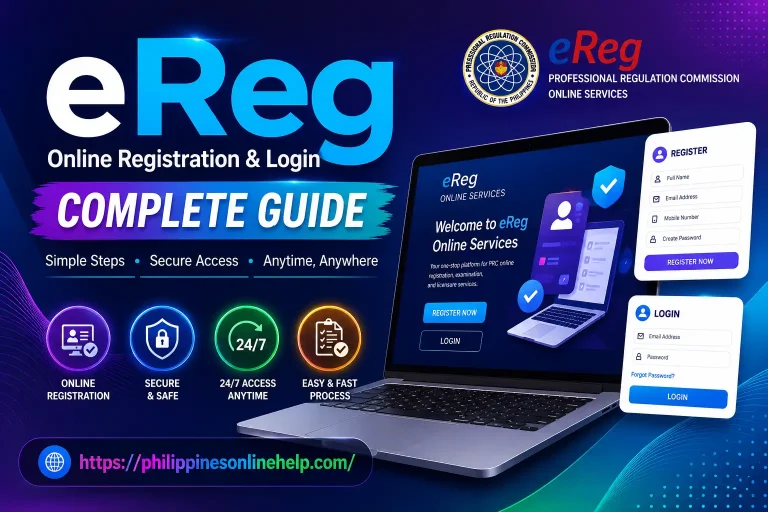
eRegistration Online Registration & Login Complete Guide in 2026
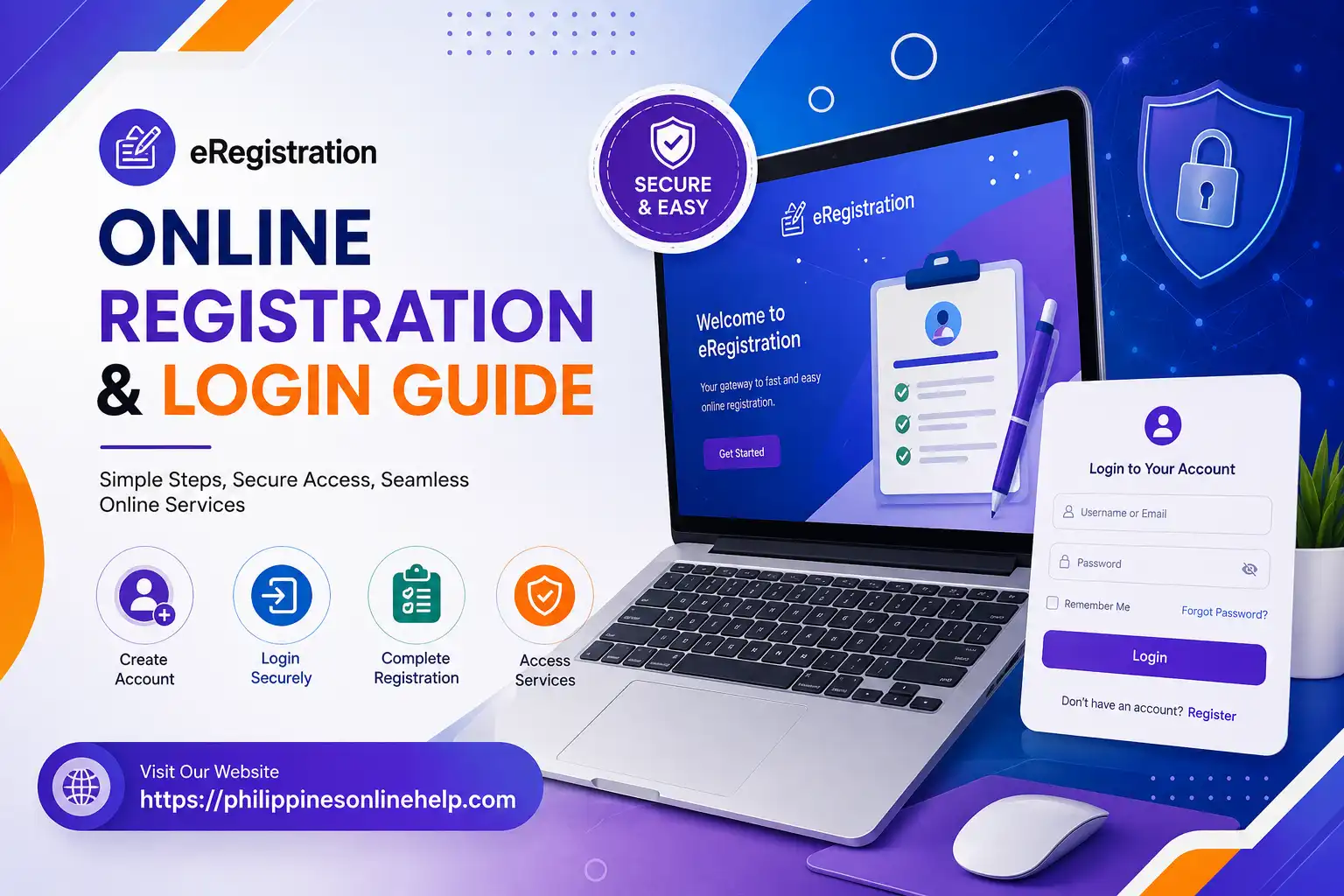
eRegistration is a convenient online registration system designed to help users complete registration and access important services through a digital platform. Instead of visiting an office for every step, users can use the eRegistration Portal to enter their personal information, create an account, and manage their registration details online. The platform can make the overall process more organized and accessible, especially for users who want to complete their online registration from a computer or mobile device.
In this guide, we will explain the cideomplete eRegistration process 2026 in simple steps, including eRegistration registration, eRegistration login, account setup, and other important requirements. Whether you are a new user or returning to access your account, this guide will help you understand how to use the eRegistration Online Portal correctly and avoid common mistakes during the registration and login process. Visit our web site: https://philippinesonlinehelp.com/
What is eRegistration
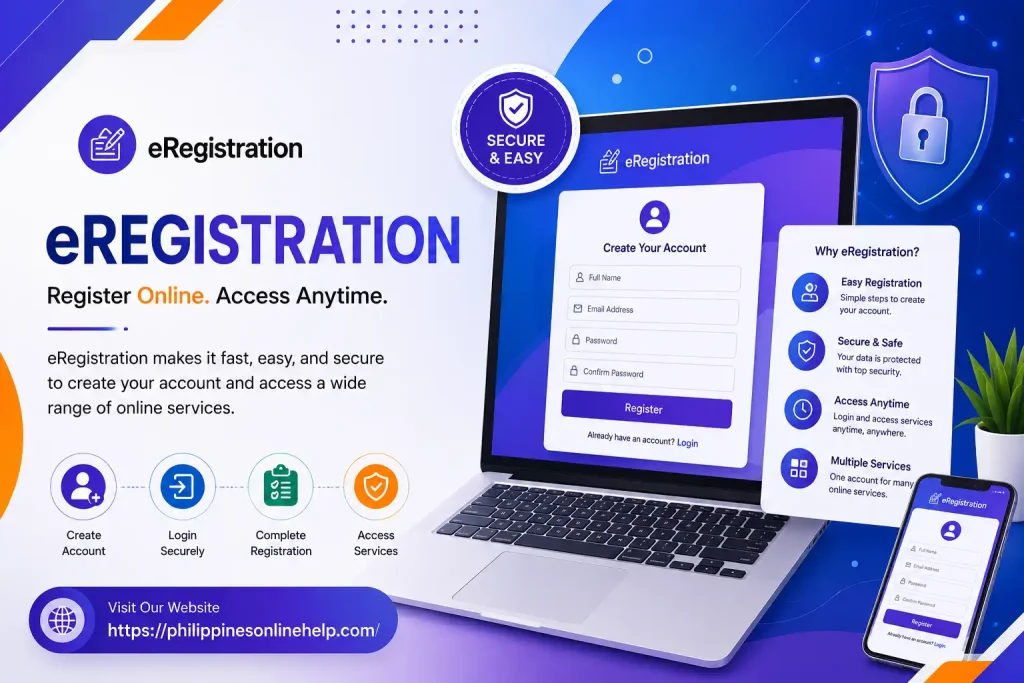
eRegistration is an online registration system that allows users to create an account, submit personal or professional information, and access different government or official services through a digital platform. Instead of visiting an office for every registration process, users can complete many steps online, including account creation, information submission, document requirements, application tracking, and sometimes online appointment scheduling or other related services. The exact features of eRegistration depend on the specific government agency or organization providing the platform.
How to Register in eRegistration
To register in DMW eRegistration, visit the official DMW eRegistration Portal and select the option to create an account. Enter your first name, middle name, last name, suffix, birth date, gender, and active email address, then review and accept the Terms of Use and Privacy Statement. After submitting the registration form, follow the instructions provided by the system to complete your account setup and receive your eRegistration Number and password. Keep your login details secure because your eRegistration account is used to access DMW online services, manage your OFW profile, and complete services related to overseas employment.
Visit the Official eRegistration website
Start your DMW eRegistration process by visiting the official Department of Migrant Workers (DMW) eRegistration Portal, where you can create your account and provide the required personal information, including your full name, birth date, gender, and active email address. The official portal provides the eRegistration Account form and is used by Filipino workers who are preparing for overseas employment and accessing DMW online services.
Enter Your Personal Information
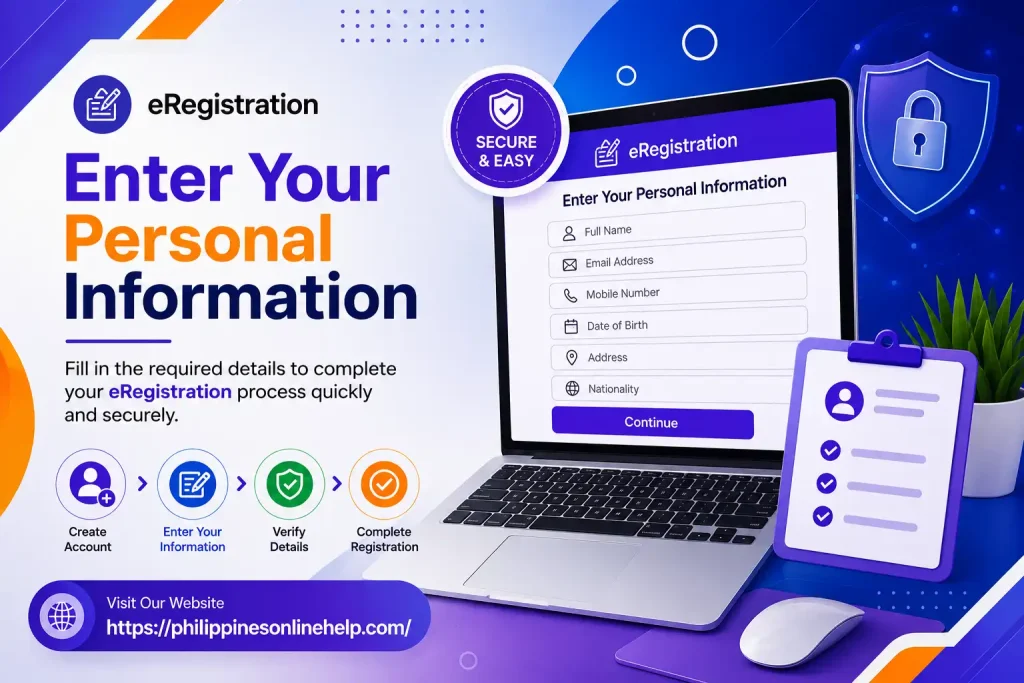
After opening the eRegistration Portal, provide your required personal information accurately, including your full name, date of birth, gender, contact details, and active email address. Make sure all information matches your valid identification documents to avoid errors or delays during the registration process. Carefully review the details before submitting the form so your eRegistration account can be created successfully and used to access available DMW online services.
Enter Your Active Email Address
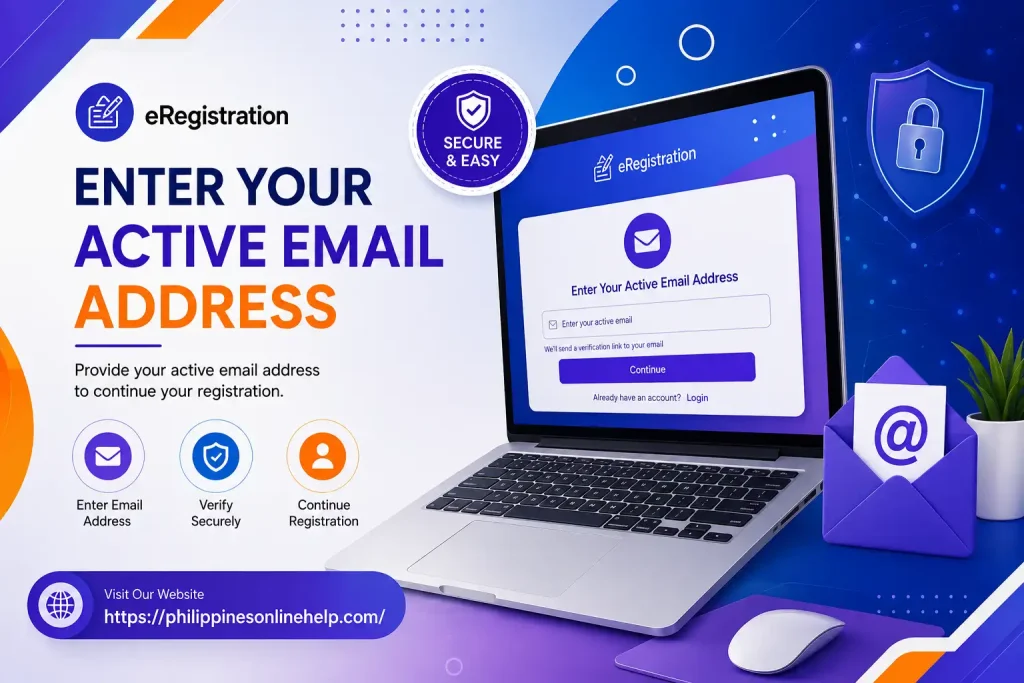
In the eRegistration form, enter an active email address that you regularly use and can access easily, as it may be required for account verification, receiving important registration notifications, and managing your DMW eRegistration account. Make sure the email address is entered correctly because an incorrect or inaccessible email may prevent you from completing the account registration process successfully.
Accept the Terms and Privacy Statement
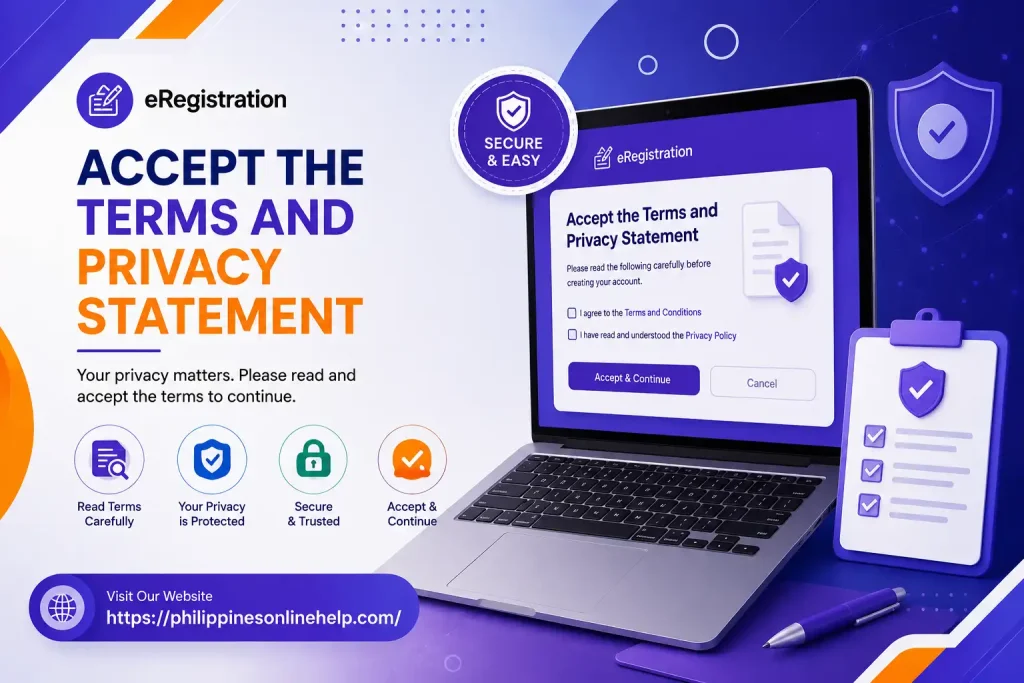
Before completing your eRegistration, carefully read the Terms of Use and Privacy Statement provided on the portal to understand the rules, conditions, and handling of your personal information. After reviewing them, select the required agreement checkbox to confirm that you accept the stated terms and privacy conditions, then proceed with your eRegistration application.
Complete the Registration
After entering all required personal information, providing your active email address, and accepting the Terms of Use and Privacy Statement, carefully review your details to make sure everything is accurate and complete. Then submit the eRegistration form to finalize your account creation and follow any instructions provided by the DMW eRegistration Portal to complete the registration process successfully.
Login Guide
To access your eRegistration account, visit the official DMW eRegistration Portal and enter your registered email address or username and password in the login fields. Carefully check your login details before selecting the Login button, and if your credentials are correct, you can access your account and manage available DMW online services, update your personal information, and view your eRegistration profile. If you cannot remember your password, use the available password recovery option and follow the instructions to regain access to your account.
Visit the Official eRegistration Portal
To begin the eRegistration Login Process, visit the official DMW eRegistration Portal and locate the Login section on the website. Make sure you are using the official portal to protect your personal information and avoid unauthorized websites. Once the login page opens, you can enter your registered email address or username and password to access your eRegistration Account and available DMW Online Services.
Enter Your Login Details
On the eRegistration Login Page, enter your registered email address or username and password in the appropriate fields. Make sure your login credentials are entered correctly and match the information associated with your DMW eRegistration Account. After checking your details, click the Login button to securely access your account and manage available DMW Online Services.
Access Your Account
After entering your correct login details, click the Login button to access your eRegistration Account. If your credentials are valid, the system will open your account dashboard, where you can manage your DMW eRegistration Profile, review or update your personal information, and access available DMW Online Services. Always keep your username and password secure to protect your account and personal information.
Forgot Your Password
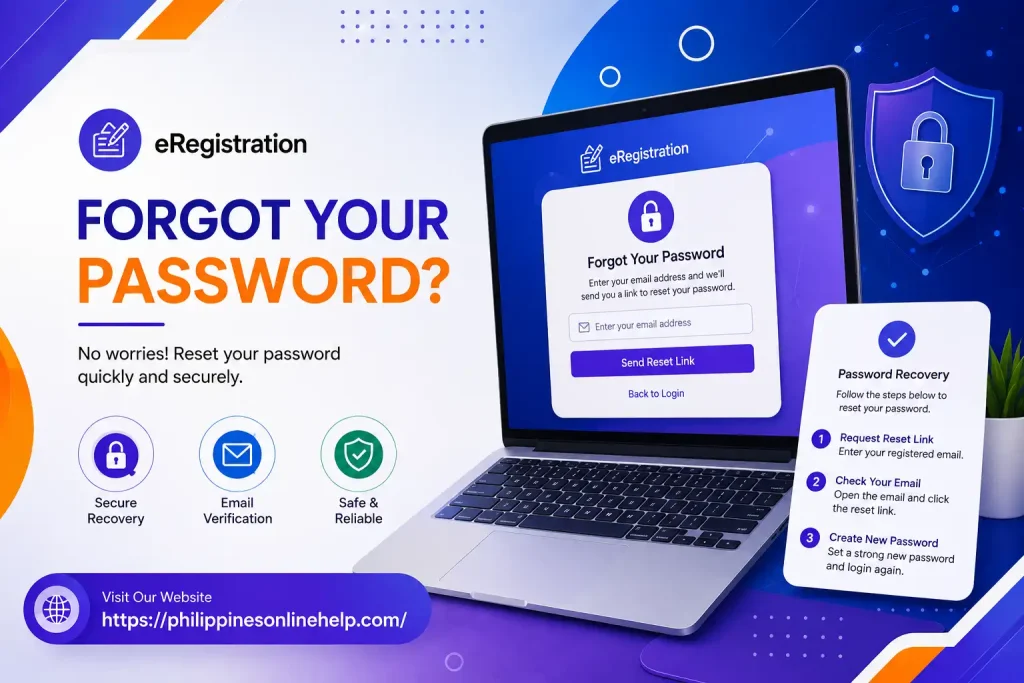
If you cannot remember your eRegistration Password, use the Forgot Password or password recovery option available on the DMW eRegistration Login Page. Follow the on screen instructions and provide the required account information to verify your identity and reset your password. After creating a new password, use your updated login details to access your eRegistration Account and continue using the available DMW Online Services.
Benefits of eRegistration
The DMW eRegistration system provides a convenient way for users to create and manage their online profile without needing to complete every step through a physical office. One major benefit is online accessibility, which allows users to access their information and available DMW Online Services from anywhere with an internet connection. The system also helps organize important personal and employment information in one digital account, making it easier to review, update, and manage details when required. By using an online platform, users can reduce unnecessary visits to government offices and make the overall registration process more convenient and organized.
Another important benefit of eRegistration is that it provides a centralized digital account for accessing relevant services and managing an individual’s DMW profile. Users can keep their registration information updated and follow available online procedures more efficiently. The system may also help improve processing efficiency, reduce paperwork, and provide easier access to important account related information. Overall, DMW eRegistration supports a more convenient and organized way of managing overseas employment related services through a digital platform.
Need for eRegistration
The DMW eRegistration system is needed to provide Filipino workers with a convenient and organized way to create and manage their online profile for accessing various DMW Online Services. Through the system, users can submit and maintain important personal information, registration details, and employment related information in one digital account. It helps reduce unnecessary paperwork and physical visits to government offices while making the registration process more accessible and efficient. Having an active eRegistration Account can also help users complete relevant online procedures and keep their information available when required for overseas employment services.
The eRegistration system is also important because it supports the digital management of services provided by the Department of Migrant Workers (DMW). By maintaining an updated DMW eRegistration Profile, users can more easily access available services, review their submitted information, and follow required online processes. The system promotes digital accessibility, improves the organization of user records, and helps make government transactions more convenient for Overseas Filipino Workers (OFWs). Overall, DMW eRegistration serves as an important digital platform for managing registration information and accessing relevant overseas employment services.
Limitations of eRigistration
Although DMW eRegistration makes the registration process more convenient, it also has some limitations. Users need a reliable internet connection and a compatible device to access the online portal, which can be difficult for people with limited internet access or technical skills. The system may also experience website maintenance, temporary errors, or technical issues that can prevent users from completing their registration or accessing their eRegistration Account. In addition, users must provide accurate personal information and follow the required procedures, as incorrect details may cause delays or problems when using available DMW Online Services.
Another limitation is that eRegistration does not necessarily complete every government or overseas employment requirement entirely online. Some services may still require users to submit supporting documents, complete verification, or visit a designated office when necessary. Users may also face difficulties if they forget their login credentials, lose access to their registered email address, or encounter account related problems. Therefore, while DMW eRegistration provides greater online accessibility and reduces some paperwork, users should still carefully follow official requirements and instructions to ensure a smooth registration and account management process.
Solving Issues with eRegistration
If you experience problems with DMW eRegistration, first check your internet connection and make sure you are accessing the correct official eRegistration Portal. Carefully review your personal information, email address, and login credentials to ensure that there are no typing errors. If you cannot access your account because of a forgotten password, use the available password recovery option and follow the instructions provided by the system. For registration errors, incomplete forms, or technical problems, try refreshing the page, clearing your browser cache, or using an updated web browser before attempting the process again.
If the issue continues, check the official DMW announcements and support channels for information about system maintenance, service interruptions, or updated registration procedures. Keep any relevant registration details, screenshots, reference numbers, or error messages available when requesting assistance, as these details can help explain the problem clearly. Avoid sharing your password or other sensitive account information with unauthorized individuals. By following the official instructions, checking your information carefully, and contacting DMW support when necessary, users can resolve common eRegistration problems and continue accessing available DMW Online Services.
Tips for eRegistraton
To complete the DMW eRegistration process smoothly, make sure you use the official eRegistration Portal and provide accurate personal information that matches your valid documents. Use an active and accessible email address because it may be needed for account related notifications and recovery. Before submitting your registration, carefully review your registration details to avoid errors that could cause delays. Create a strong and secure password, keep your login credentials private, and avoid sharing your account information with anyone. It is also helpful to use a stable internet connection and an updated web browser when accessing the portal.
For better eRegistration Account Management, keep your DMW profile information updated whenever changes are required and regularly check your account for important notifications or instructions. Save important registration information and reference details in a secure place so you can access them when needed. If you encounter technical problems, carefully read the error message and follow the official DMW support instructions instead of providing your credentials to unofficial sources. Most importantly, always verify that you are using the official DMW website when submitting personal information or accessing DMW Online Services to help protect your account and personal data.
Frequently Asked Questions (FAQs)
Conclusion
DMW eRegistration provides a convenient and organized way for Filipino workers to create and manage their online profile, maintain accurate personal and employment information, and access available DMW Online Services related to overseas employment. By following the correct registration and login process, using an active email address, keeping login credentials secure, and following official requirements, users can manage their accounts more efficiently. Although technical issues, internet access, and certain offline requirements may sometimes create limitations, careful use of the official eRegistration Portal and proper account management can help ensure a smoother and more secure digital registration experience.