LERIS PRC Online Registration & Login Complete Guide 2026
LERIS PRC Online Registration & Login Guide 2026 helps professionals understand the process of creating an account, logging in, and accessing different online services through the PRC LERIS portal. LERIS (Licensure Examination and Registration Information System) is an important online platform for professionals, where users can manage their PRC registration, license related information, and available services conveniently. Using this online system can make PRC related processes easier and more accessible compared to traditional methods.
In this complete guide, we will provide simple and easy to follow information about LERIS PRC registration, account login, required details, and important steps. Whether you are creating a PRC LERIS online account for the first time or want to access your existing account, this guide will help you understand the complete process. We will also cover common LERIS login issues, solutions, and useful tips to help you use PRC LERIS online services smoothly and efficiently. Visit our official web site: https://philippinesonlinehelp.com/
What is LERIS PRC
LERIS PRC (Licensure Examination and Registration Information System) is an online platform developed by the Professional Regulation Commission (PRC) to help Filipino professionals and applicants manage various licensing and registration services digitally. Through the LERIS PRC portal, users can create an account, apply for PRC licensure examinations, check application details, renew professional licenses, request certificates, and access other online PRC services without needing to visit a PRC office for every transaction. The system makes PRC online registration more convenient by allowing users to complete many professional licensing processes securely and efficiently through the internet.
How to registration in LERIS PRC
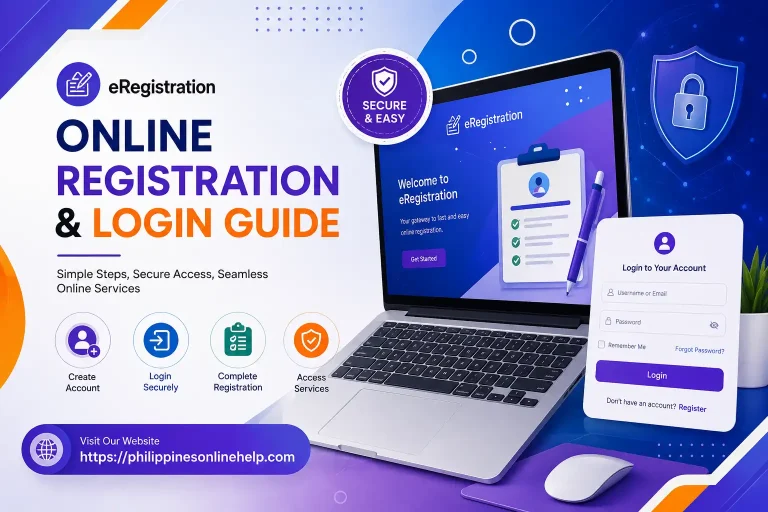
To register in LERIS PRC, visit the official PRC Online Services website and click the Register tab. Read the Terms and Conditions, scroll down, and click I AGREE to continue. Enter your personal details, including your name, gender, civil status, birthdate, email address, and a secure password, then click REGISTER. Carefully review your information for any spelling or typographical errors and click I AGREE to submit your registration. After creating your LERIS account, you can log in and verify your email before accessing available PRC online services.
Step 1: Visit the Official LERIS Website
Start your LERIS PRC registration by visiting the official LERIS online portal through a secure web browser. Make sure you are using the correct PRC website to protect your personal information and avoid unofficial or misleading websites. Once the homepage loads, look for the Registration or Register option to begin creating your LERIS account.
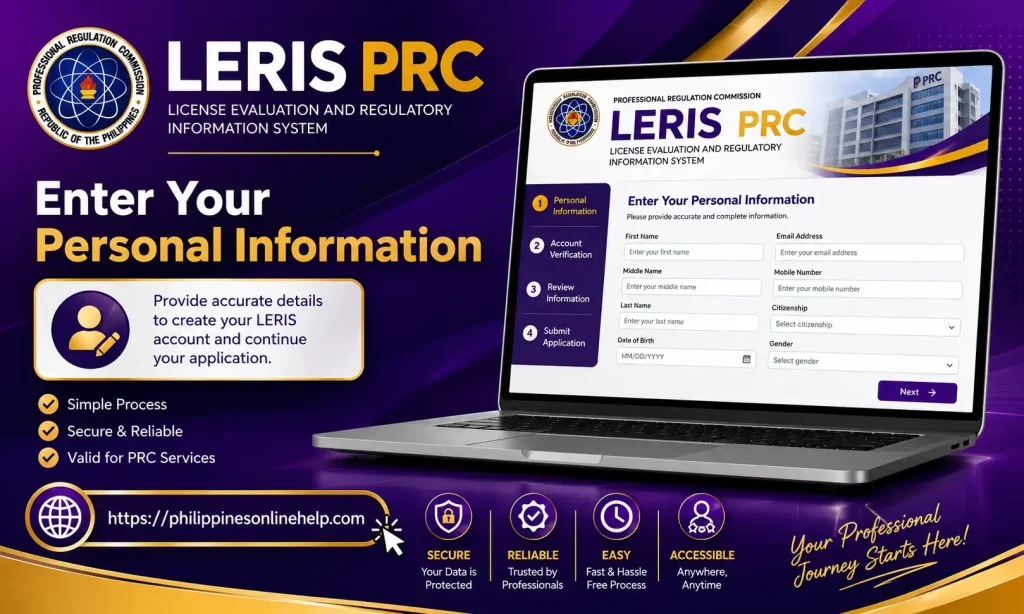
Step 1: Enter Your Personal Information
After opening the LERIS registration page, enter your required personal information accurately, including your full name, date of birth, email address, and other requested details. Make sure all information matches your official documents to avoid problems during PRC registration or future transactions. Carefully review the details before proceeding to the next step.
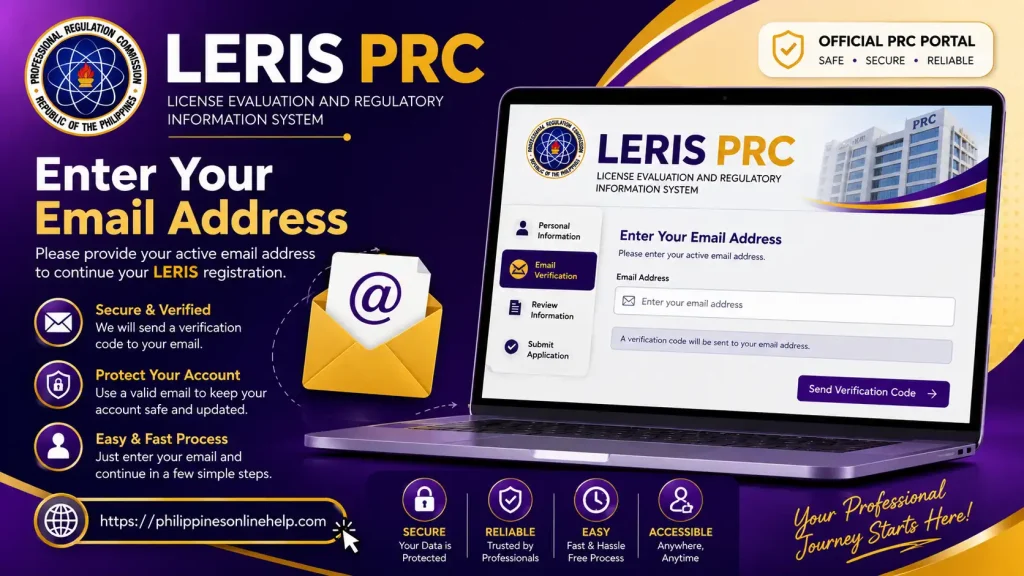
Step 3: Enter Your Email Address
Provide a valid and active email address in the designated field during your LERIS PRC registration, as this email will be used for account verification and important PRC notifications. Double check your email for spelling errors before continuing, because access to your registered email may be required to verify your LERIS account and recover your login details if needed.
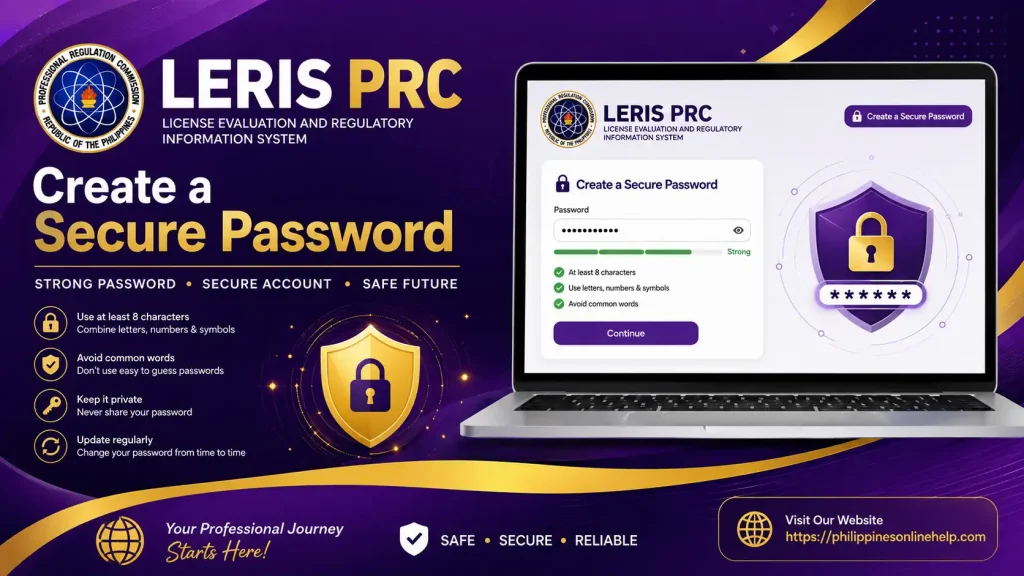
Step 4: Create a Secure Password
Create a strong and unique LERIS PRC password to protect your account from unauthorized access. Use a combination of letters, numbers, and special characters, and avoid using easily guessed information such as your name or birthdate. Enter the password carefully and confirm it before continuing with your LERIS registration.
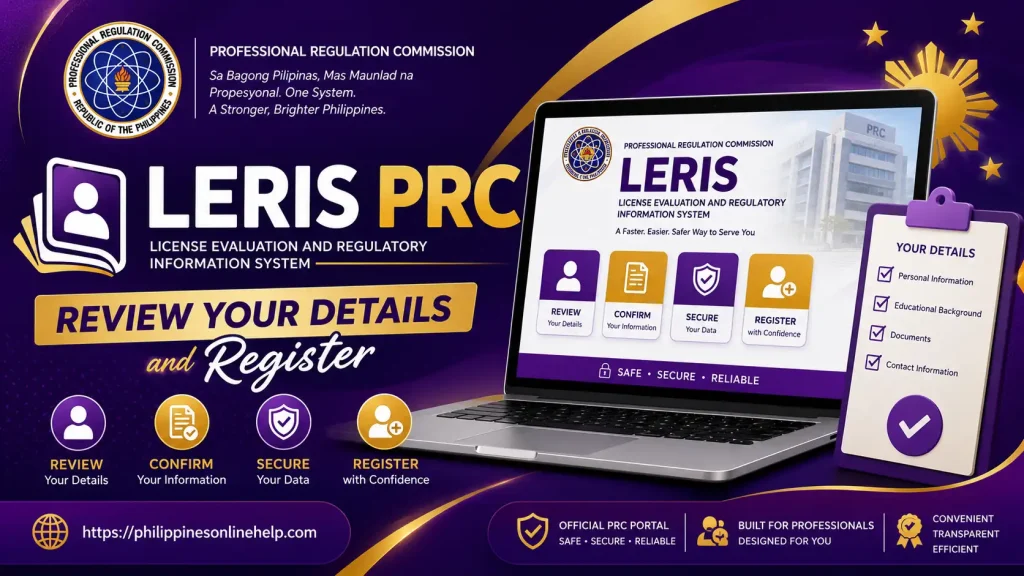
Step 5: Review Your Details and Register
Before completing your LERIS PRC registration, carefully review all the information you have entered, including your personal details, email address, and account credentials. Make sure everything is accurate and matches your official documents, then click the Register button to submit your application and create your LERIS PRC account successfully.
Step 6: Log In to Your LERIS Account
After completing your registration, open the LERIS PRC login page and enter your registered email address and secure password in the required fields. Carefully check your login credentials before clicking the Sign In or Login button to access your account and use the available PRC online services.
LERIS PRC Login guide
The LERIS PRC Login Guide makes it easy for registered users to access their accounts and manage different PRC online services. To log in, visit the official LERIS PRC portal and select the Login option. Enter your registered email address and password in the required fields, then review your login details carefully before submitting them. Once your credentials are verified, you can access your LERIS account and continue with services such as license renewal, examination applications, and other professional transactions.
Step 1: Visit the LERIS PRC Portal
Begin your LERIS PRC login by opening a secure web browser and visiting the official LERIS online portal. Make sure you access the correct PRC website to keep your account information safe. Once the portal opens, find and select the Login option to proceed to the account access page.
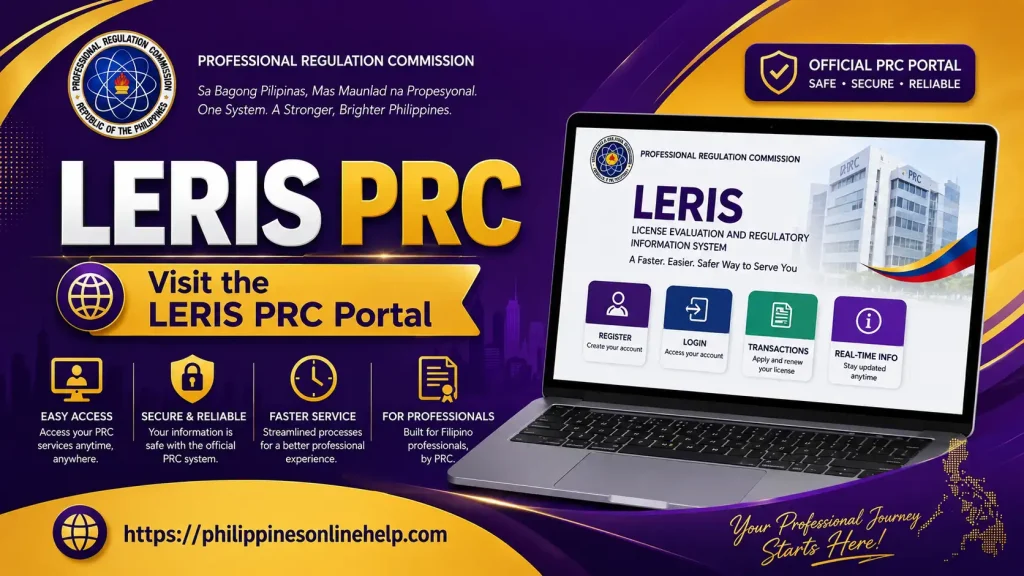
Step 2: Enter Your Login Credentials
On the LERIS PRC login page, enter your registered email address and password in the appropriate fields. Make sure your login credentials are entered correctly and match the information used during registration. Carefully check for typing errors before proceeding to avoid unsuccessful login attempts.
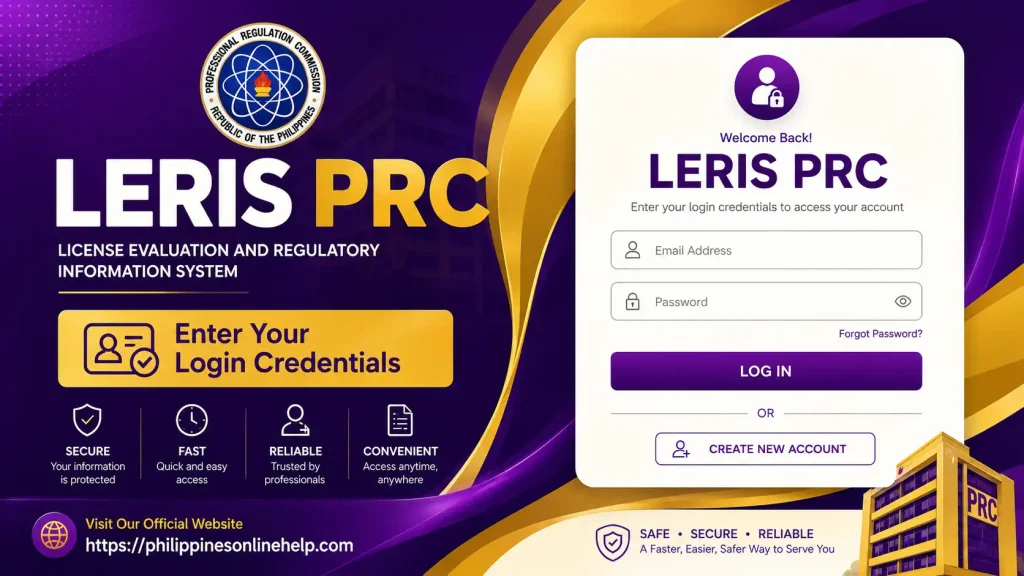
Step 3: Access Your LERIS Account
After entering your correct LERIS login credentials, click the Login or Sign In button to access your account. If the information is valid, you will be directed to your LERIS PRC dashboard, where you can manage your profile and use available PRC online services. Make sure to log out after completing your transactions, especially when using a shared or public device.
Need for LERIS PRC
LERIS PRC is needed to make professional licensing services more convenient, organized, and accessible online. Instead of visiting a PRC office for every transaction, applicants and registered professionals can use the LERIS online portal to manage important services such as licensure examination applications, professional license renewal, registration, and other PRC online transactions. This digital system helps save time and makes it easier for users to manage their professional records from anywhere with an internet connection.
Having a LERIS PRC account is also important for professionals who regularly need to access PRC services and update their information. By keeping their account details accurate and secure, users can complete online applications more efficiently and monitor their transactions through the portal. Overall, LERIS provides a convenient way to handle PRC registration and licensing requirements without unnecessary delays.
What are the Benefits of LERIS PRC
LERIS PRC offers several benefits by making professional licensing services easier and more convenient to access online. Users can apply for licensure examinations, renew their PRC professional license, manage registration details, and complete other PRC online transactions without needing to visit a PRC office for every process. The system also helps save time, reduces paperwork, and allows professionals to manage their transactions from almost anywhere with an internet connection.
Another important benefit of LERIS online services is that it provides a centralized platform for managing professional information and applications. Registered users can access their LERIS account, review their details, and monitor available PRC services more efficiently. By using the portal correctly and keeping account information updated, professionals can enjoy a more organized and convenient way to handle their PRC licensing requirements.
Limitations of LERIS PRC
Although LERIS PRC makes many PRC online services more convenient, it also has some limitations. Users need a reliable internet connection and a compatible device to access the portal, and technical issues such as website maintenance, slow loading, or temporary system errors may sometimes interrupt online transactions. Users may also need to visit a PRC office when a particular transaction requires in person verification or additional document submission.
Another limitation is that users must provide accurate information and follow the required LERIS registration procedures to complete their transactions successfully. Incorrect details, forgotten login credentials, or incomplete requirements can cause delays. In addition, not every PRC service may be fully completed online, so applicants should carefully check the specific requirements for their intended PRC transaction before proceeding.
Solving Issues with LERIS PRC
If you experience problems while using LERIS PRC, first check your internet connection and make sure you are accessing the correct PRC online portal. For login issues, carefully verify your registered email address and password, and use the available password recovery option if necessary. If the website is slow or temporarily unavailable, try refreshing the page, clearing your browser cache, or accessing the portal again later. For errors related to LERIS registration, applications, or personal information, review the details you entered and make sure all required fields and documents are complete.
For more complicated problems, users should seek assistance through the official PRC support channels and provide accurate information about the issue. Keep screenshots, transaction details, and reference numbers when available, as these may help with troubleshooting. Avoid sharing your LERIS password or other sensitive account information with anyone, and always use official PRC channels when requesting help with your LERIS account or online transactions.
Tips for LERIS PRC
For a smooth LERIS PRC experience, always use the official PRC online portal and keep your registered email address and account information up to date. Double check your personal details before submitting any PRC online application, and keep copies of transaction receipts, reference numbers, and important documents for future use. Use a strong and private password, avoid sharing your LERIS login credentials, and make sure you have a stable internet connection when completing important transactions. It is also helpful to check official PRC announcements regularly for updates about licensure examinations, license renewal, registration requirements, and system maintenance.
Frequently Asked Questions (FAQs)
Conclusion
The LERIS PRC Online Registration & Login Guide 2026 makes it easier for applicants and professionals to understand the process of creating an account, logging in, and accessing available PRC services online. By entering accurate information, protecting your LERIS account credentials, and following the required registration and login steps, you can manage your PRC online transactions more smoothly. Keeping your account information updated and using the official PRC portal can also help ensure a safer and more convenient professional licensing experience.