SSS Online Registration and Login Guide Complete Process in 2026
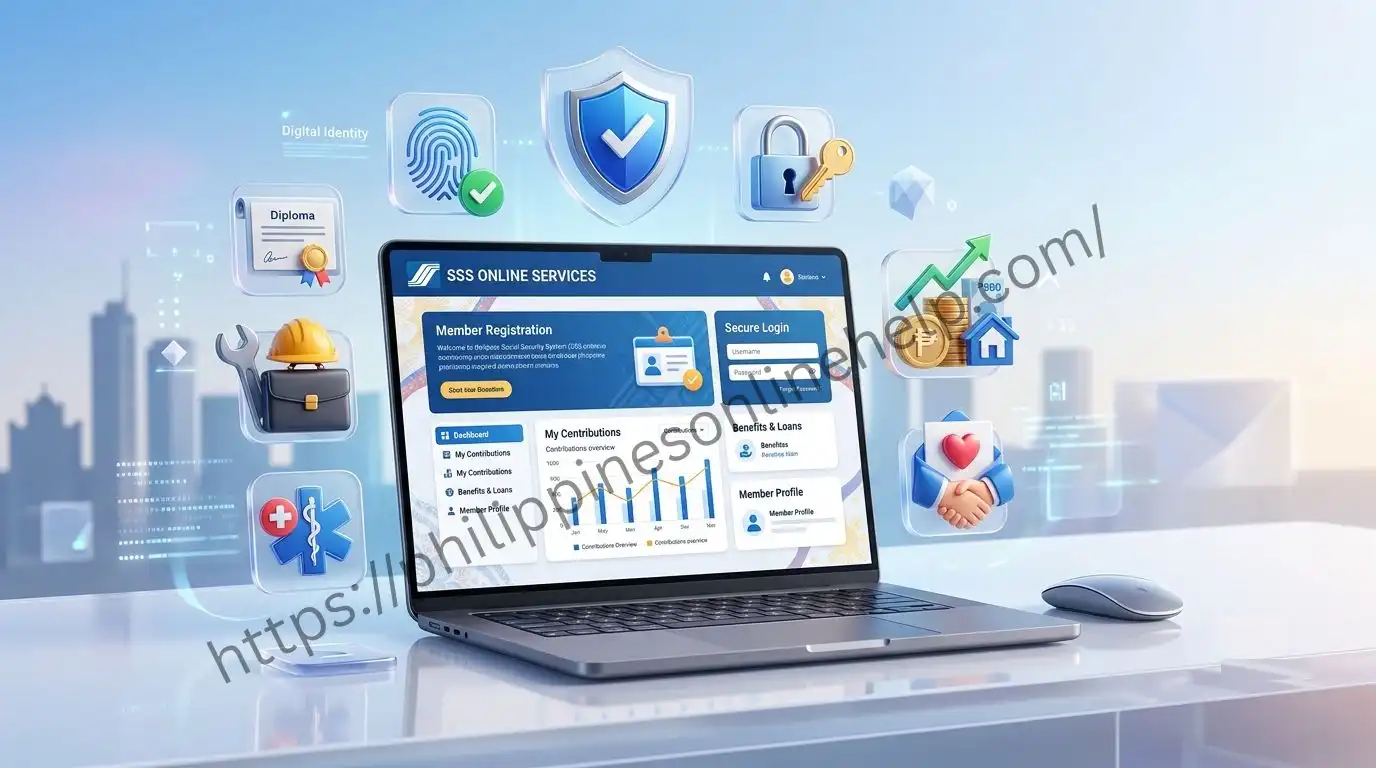
The SSS Online Registration and Login Guide 2026 helps both new and existing members access their Social Security System (SSS) accounts quickly and securely. Through the My.SSS Portal, users can create an account, sign in, update their personal information, check contributions, apply for loans, monitor benefit claims, and download important records without visiting an SSS branch. This online system makes managing your membership more convenient while saving time and effort.
In this complete 2026 guide, you will learn the step by step registration process, how to log in to your account, recover a forgotten password, and troubleshoot common login issues. Whether you are an employee, self employed worker, overseas Filipino worker (OFW), voluntary member, or employer, this guide covers everything you need to use the My.SSS online portal efficiently and stay updated with the latest SSS online services and membership features. Visit our web site: https://philippinesonlinehelp.com
About Social Security System (SSS)
The Social Security System (SSS) is a government owned social insurance program in the Philippines that provides financial protection and benefits to private sector employees, self employed individuals, voluntary members, overseas Filipino workers (OFWs), and employers. Through the Online Portal, members can register an account, pay contributions, apply for salary and calamity loans, check their contribution history, file benefit claims, and access important membership records anytime. The primary goal is to provide social security benefits such as retirement, disability, maternity, sickness, death, and funeral benefits, helping members and their families achieve greater financial security.
How to Register on SSS Online
How to Register on SSS Online is a simple process that allows members to access various online services, including contribution checking, loan applications, benefit claims, and payment history through the My.SSS Portal. To begin, visit the official website, apply for an SS Number if you do not already have one, then create your My.SSS account by providing your registered email address, personal information, and the required verification details. After submitting your registration, activate your account through the confirmation email, log in with your new credentials, and enjoy secure access to all Social Security System online services anytime and anywhere.Visit the official SSS Online Portal.
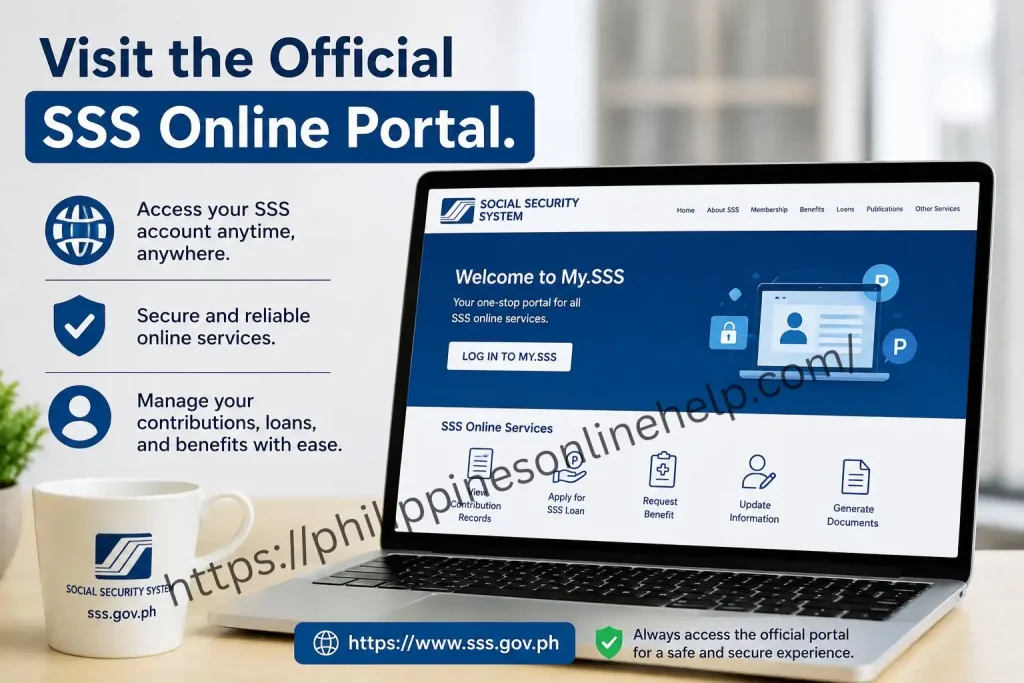
Visit the official SSS Online Portal.
SSS Online Portal to begin your SSS online registration and securely access all Social Security System services. From the portal, you can create a My.SSS account, apply for an SSS Number, manage your SSS contributions, submit loan and benefit applications, schedule appointments, and update your personal information. Always use the official website to protect your account and ensure a safe, reliable, and hassle free registration experience.
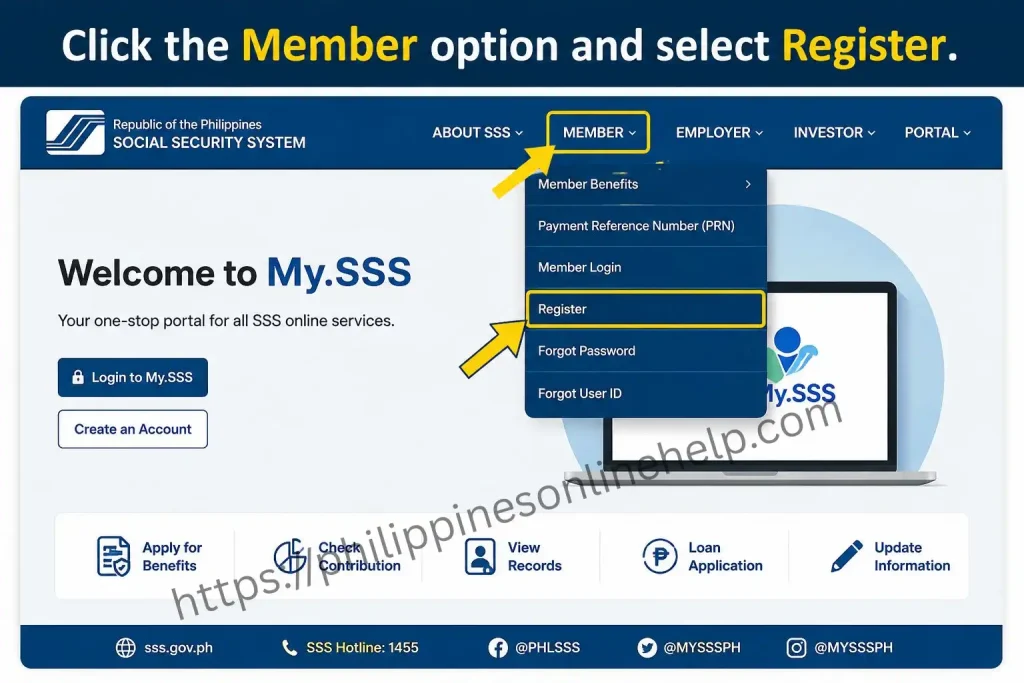
Click the Member option and select Register.
SSS Online Portal, then select Register to start creating your My.SSS account. Enter your required personal information, including your SS Number, registered email address, and other verification details. After completing the registration form, submit your application and verify your email to activate your account, giving you secure access to all SSS online services, contribution records, loan applications, and benefit claims.
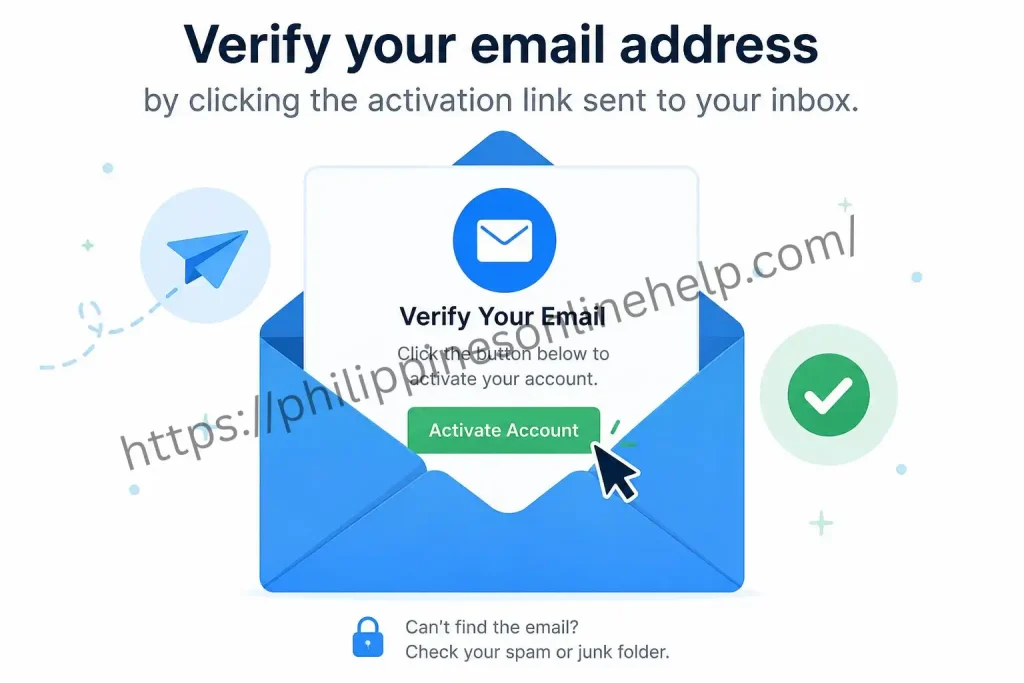
Verify your email address by clicking the activation link sent to your inbox.
Verify your email address by clicking the account activation link sent to your registered inbox to complete your My.SSS account registration. If you do not see the email, check your Spam or Junk folder before requesting a new activation link. Once your email is successfully verified, you can securely log in to the SSS Online Portal and access online services, including contribution inquiries, loan applications, benefit claims, and other Social Security System features.
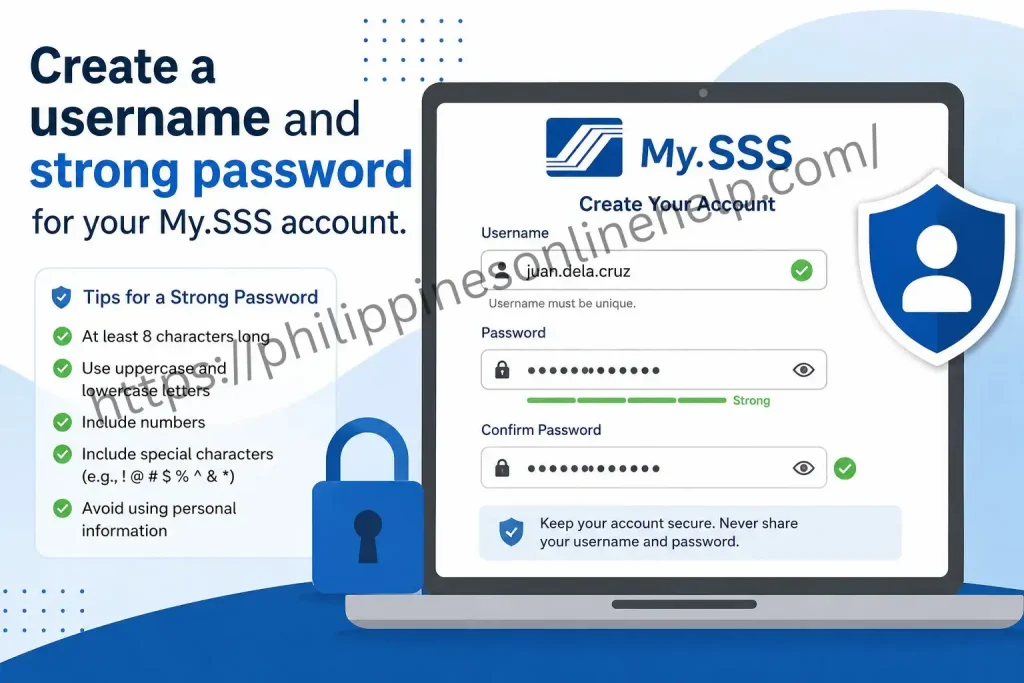
Create a username and strong password for your My.SSS account.
Create a unique username and a strong password for your My.SSS account to ensure maximum account security. Use a password that includes a combination of uppercase and lowercase letters, numbers, and special characters, while avoiding easily guessed information such as your name or birthdate. Once your login credentials are created, you can securely access the SSS Online Portal to manage your contributions, loan applications, benefit claims, and other Social Security System services anytime.
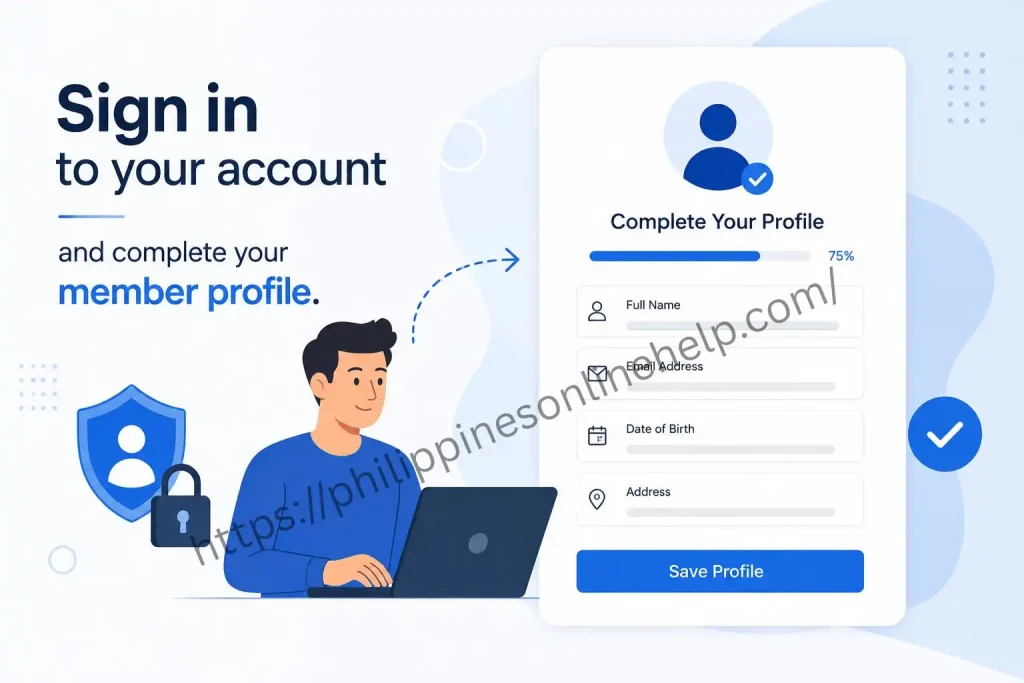
Sign in to your account and complete your member profile.
My.SSS account using your registered username and password, then complete your member profile by reviewing and updating your personal information. Ensure that all details are accurate and up to date to avoid issues when accessing online services, submitting loan applications, claiming benefits, or checking your contribution records. Completing your profile helps you enjoy secure and uninterrupted access to all Social Security System (SSS) online features.
SSS Login Guide
Logging in to your My.SSS account gives you secure access to all online services, including checking SSS contributions, applying for SSS loans, viewing benefit claims, updating your personal information, and downloading important membership records.
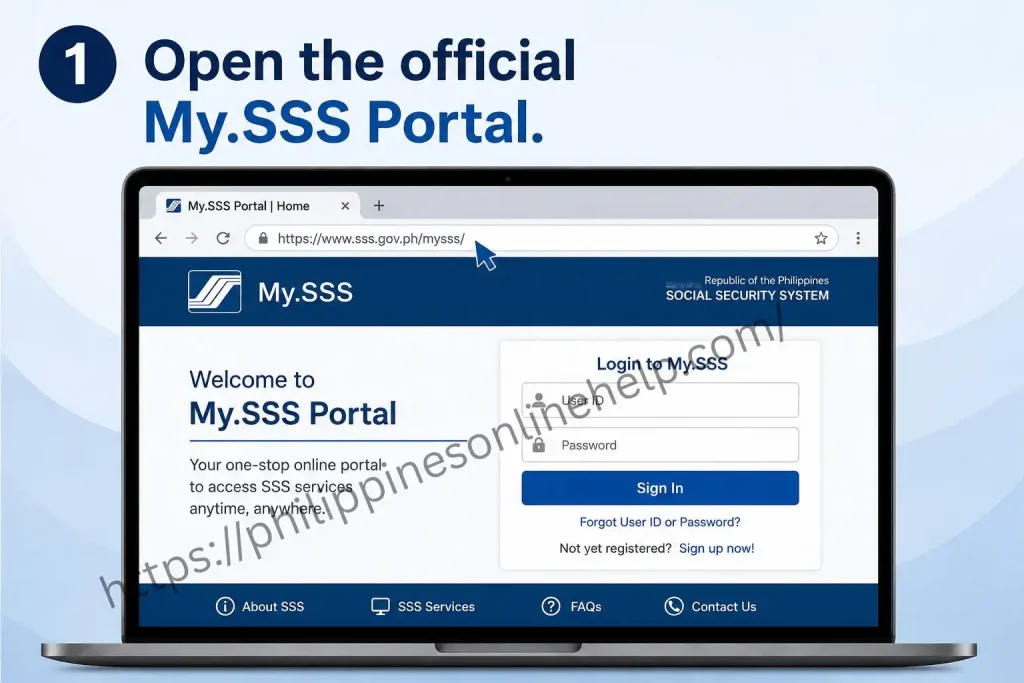
Open the official My.SSS Portal.
My.SSS Portal to securely access your Social Security System (SSS) account and manage a wide range of online services. After signing in, you can check your SSS contributions, apply for loans, file benefit claims, update your member information, schedule appointments, and monitor your account activity. Always use the official My.SSS Portal to protect your personal information and ensure safe, reliable access to your account.
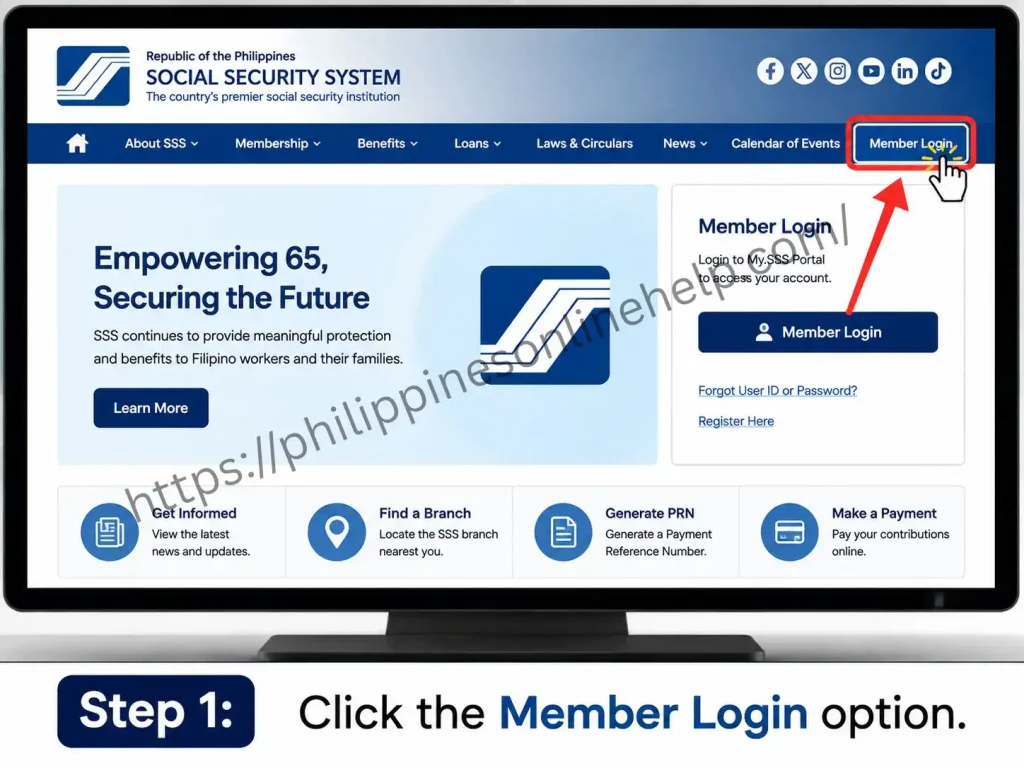
Click the Member Login option.
Member Login option on the My.SSS Portal to access your online account. Enter your registered username and password, then complete any required security verification to sign in securely. Once logged in, you can manage your contributions, apply for SSS loans, submit benefit claims, update your member profile, and use all available Social Security System (SSS) online services.
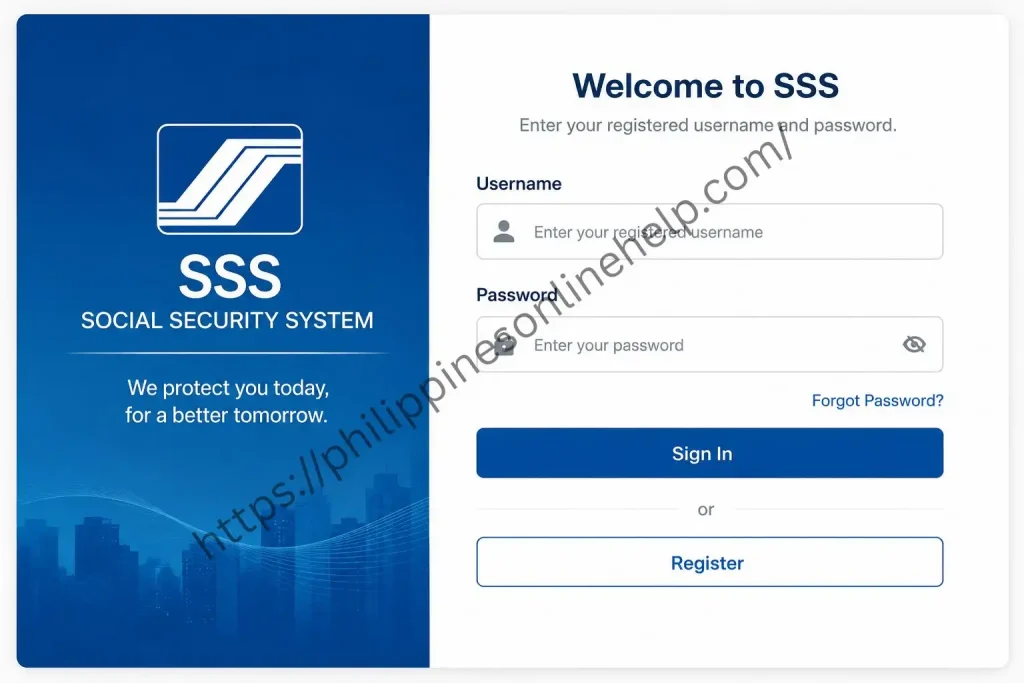
Enter your registered username and password.
Enter your registered username and password in the My.SSS login page to securely access your online account. Double check that your login credentials are correct to avoid signin errors, and use the Forgot Username or Forgot Password option if you cannot remember your details. After successfully logging in, you can access online services, view your contribution records, apply for SSS loans, file benefit claims, and manage your Social Security System (SSS) account with ease.
Need for SSS Online Registration
Completing your Online Registration is essential to access the full range of Social Security System (SSS) services. A registered My.SSS account allows members to manage their records online without visiting an SSS branch, making the process faster, more secure, and more convenient.
With an active online account, you can check your contributions, apply for salary and calamity loans, file benefit claims, update your personal information, generate payment reference numbers (PRNs), monitor your membership status, and download important documents anytime through the My.SSS Portal. Registering online also helps protect your account with secure login features while giving you 24/7 access to essential online services.
How to Apply for SSS
Apply for (Social Security System) by first obtaining your SSS Number through the Online Portal or by visiting an authorized SSS branch if necessary. Complete the membership application by providing accurate personal information, uploading the required supporting documents, and verifying your identity. After your application is approved, activate your My.SSS account to access online services, check your contributions, apply for SSS loans, file benefit claims, and manage your membership securely and conveniently.
Visit the official SSS Online Portal
Visit the official SSS Online Portal to begin your application and access a wide range of Social Security System (SSS) services. Through the portal, you can apply for an SSS Number, register for a My.SSS account, submit your membership application, upload the required documents, and track your application status online. Using the official website ensures a secure, fast, and reliable process for managing all your online services.
Upload or submit the required supporting documents, if requested.
Upload or submit the required supporting documents if requested during your application to verify your identity and complete your membership registration. Ensure that all uploaded files are clear, valid, and match the personal information provided in your application. Submitting accurate documents helps prevent processing delays and allows you to successfully activate your My.SSS account, access online services, and manage your Social Security System (SSS) membership without issues.
Review all the information carefully before submitting your application.
Review all the application information carefully before submitting your application to ensure that your personal details, contact information, and supporting documents are complete and accurate. Double check for any errors or missing information, as incorrect details may delay the approval of your membership registration. Once everything has been verified, submit your application to complete the process and gain access to My.SSS, online services, contribution tracking, loan applications, and Social Security System (SSS) benefits.
Receive your SSS Number and follow the instructions to activate your SSS account.
After your application is approved, you will receive your SSS Number, which serves as your unique identification for all Social Security System (SSS) transactions. Follow the provided instructions to activate your My.SSS account by verifying your registered email address and creating secure login credentials. Once your account is activated, you can access online services, monitor your contributions, apply for loans, file benefit claims, and manage your membership conveniently through the My.SSS Portal.
What Are the Benefits of SSS?
The Social Security System (SSS) provides valuable social security benefits that help protect members during different stages of life. Through regular contributions, members can qualify for benefits such as retirement pensions, sickness benefits, maternity benefits, disability assistance, unemployment benefits, and funeral assistance. These programs offer financial support during unexpected situations and help improve long term financial security.
In addition to cash benefits, members can apply for salary loans, calamity loans, and other financial assistance programs through the My.SSS Portal. Members can also monitor their contribution records, update their personal information, and access a variety of online services quickly and securely. By maintaining active membership, individuals can enjoy comprehensive Social Security System protection for themselves and their families.
Limitations of SSS?
Although the Social Security System (SSS) offers valuable financial protection, it also has certain limitations that members should understand. Eligibility for benefits depends on meeting the required number of contributions, and incomplete or irregular payments may reduce or delay benefit claims. In some cases, benefit amounts may not fully cover a member’s financial needs during retirement, illness, disability, or unemployment, making additional personal savings or insurance important.
Another limitation is that some online services and benefit applications require document verification and processing time, which can delay approvals. Members must also keep their My.SSS account and personal information updated to avoid issues with transactions, loans, or claims. Understanding these limitations helps members plan their finances more effectively while maximizing the advantages of their Social Security System (SSS) membership.
Solving Issues with SSS
If you experience problems with your account, My.SSS Portal, or online services, most issues can be resolved by verifying your login credentials, updating your personal information, checking your contributions, or resetting your password through the official portal. Common concerns such as registration errors, failed logins, delayed SSS benefit claims, or missing contribution records can often be fixed by ensuring your account details are accurate and your supporting documents are complete.
For more complex issues, you can contact the Social Security System (SSS) through its official customer support channels or visit the nearest SSS branch for assistance. Keeping your My.SSS account active, maintaining accurate records, and regularly monitoring your SSS membership can help prevent future problems and ensure uninterrupted access online services, loan applications, and benefit claims.
How to Contact SSS
You can contact the Social Security System (SSS) through its official customer service channels for assistance with SSS registration, My.SSS account access, contribution inquiries, loan applications, benefit claims, and other SSS online services. Members can reach SSS by phone, email, the official website, or by visiting the nearest SSS branch for personalized support and account related concerns.
Before contacting SSS customer support, prepare your SSS Number, valid identification, and any relevant documents to help speed up the verification process. Providing accurate information allows representatives to resolve issues more efficiently, ensuring you receive timely assistance with your Social Security System (SSS) account, transactions, and membership services.
Tips for SSS
Using the Social Security System (SSS) effectively can help you maximize your SSS benefits and enjoy a smooth experience with online services. Always keep your My.SSS account secure by using a strong password, regularly check your SSS contributions, update your personal information, and make timely contribution payments to remain eligible for loans, benefit claims, and other member services.
To avoid delays, use only the official SSS website and ensure that all information and supporting documents are accurate before submitting any application. Regularly monitor your membership status, save copies of important transaction records, and stay informed about the latest Social Security System (SSS) updates to make the most of your account and available member benefits.
Frequently Asked Questions (FAQs)
Conclusion
The SSS Online Registration and Login Guide 2026 provides everything you need to successfully create and manage your My.SSS account. By completing your SSS online registration, you can securely access important services such as checking contributions, applying for SSS loans, filing benefit claims, updating your personal information, and managing your membership anytime through the My.SSS Portal. Following the correct registration and login process ensures a safe, convenient, and hassle free experience while helping you make the most of the Social Security System (SSS) and its valuable benefits for your long term financial security.