eTravel PH Online Registration, Login & Travel Proper Guide on 2026
eTravel PH is an online registration system designed to make travel procedures in the Philippines more convenient and organized for passengers. Travelers entering or departing the Philippines may need to provide important information through the official eTravel Philippines platform before their journey. The system allows passengers to submit required travel and personal details online, helping streamline border processing and reduce the need for lengthy paperwork at the airport. By completing the registration before traveling, passengers can prepare their required information in advance and make their travel experience smoother.
Using eTravel PH is generally straightforward, but travelers should make sure that the information they provide is accurate and complete. The platform may require details such as passport information, travel dates, flight details, and other relevant information depending on the traveler and journey. After completing the required registration, travelers may receive a confirmation or QR code that can be presented when required during the travel process. Always use the official eTravel website and check the latest instructions before completing your registration to avoid relying on outdated or unofficial information. Visit our website: https://philippinesonlinehelp.com
What is eTravel PH
eTravel PH is the Philippines’ online travel registration system that allows eligible travelers to submit required personal, travel, and health related information electronically before arriving in or departing from the Philippines. The system is intended to make the travel process more efficient by collecting passenger information in advance and providing a digital record or QR code that may be checked during the travel process. Travelers should complete their details carefully and use the official eTravel Philippines platform to avoid unofficial websites or unnecessary fees. eTravel Philippines website
How to Register for eTravel PH
To register for eTravel PH, visit the official eTravel PH website and create or access your account using your email address. The eTravel registration is completely free, and travelers should avoid websites that request payment. Complete the required personal information, travel details, and other requested declarations carefully, then review your information before submitting the form. You can register or update your details within 72 hours (3 days) before your arrival in or departure from the Philippines, depending on your traveler category. After successful submission, save or screenshot your eTravel QR code, as you may need to present it before boarding and during travel processing.
Visit the Official eTravel Website
To begin your eTravel PH registration, visit the official eTravel website, which is the only official website for the Philippine eTravel System. The platform is free to use and does not require any online payment, so travelers should be cautious of websites that request registration fees. Once on the official portal, you can sign in and complete or update your travel information using a mobile phone, tablet, or computer.
Create an Account or Sign In
After visiting the official eTravel PH website, select the appropriate option to create an account or sign in to your existing profile. New users should provide the required email address and follow the registration instructions, while returning travelers can use their existing login details to access their account. Make sure your information is accurate and up to date before continuing with the eTravel registration process, as the details you provide will be used for your travel declaration and QR code. The official eTravel Philippines portal is free to use, so avoid unofficial websites that request payment or unnecessary personal information.
Enter Your Travel Information
After signing in to the eTravel PH portal, enter your required travel information carefully, including your flight details, travel date, destination, and other information requested on the form. Make sure your passport details and personal information match your travel documents to avoid delays during the verification process. Review every field before continuing, as accurate information is important for completing your eTravel registration and generating your eTravel QR code. Use only the official portal and provide information that is current and correct.
Review and Submit Your Registration
Before completing your eTravel PH registration, carefully review all the information you have entered, including your personal details, passport information, travel dates, flight details, and destination. Check that everything matches your official travel documents and correct any errors before submitting the form. Once you are satisfied that the information is accurate, submit your eTravel registration and wait for the confirmation. After successful submission, save your eTravel QR code on your device or take a screenshot so it is readily available when required during your journey.
Save Your eTravel QR Code
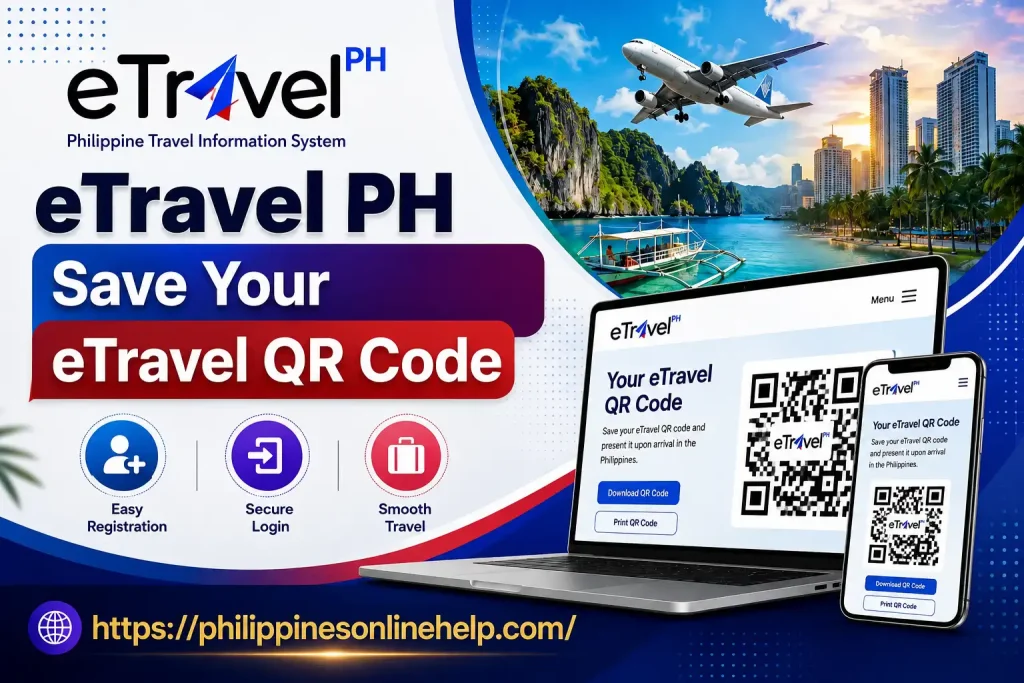
After successfully completing your eTravel PH registration, make sure to save your eTravel QR code on your smartphone or take a clear screenshot for easy access during your journey. The QR code serves as confirmation that you have completed the required eTravel registration and may be requested by airline staff or Philippine authorities during the travel process. Keep the QR code accessible until you have completed the necessary arrival or departure procedures, and ensure that the information displayed matches your travel details and personal information.
eTravel PH Login
To access your eTravel PH account, visit the official eTravel portal and select the login option to enter your registered email address and other required credentials. After signing in, you can review or update your traveler information, check your previous registration details, and complete any required travel declaration. Make sure you use the official eTravel Philippines portal and keep your account information secure. If you have difficulty accessing your account, carefully check your login details and follow the available account recovery instructions before attempting to register again.
Visit the Official eTravel PH Portal
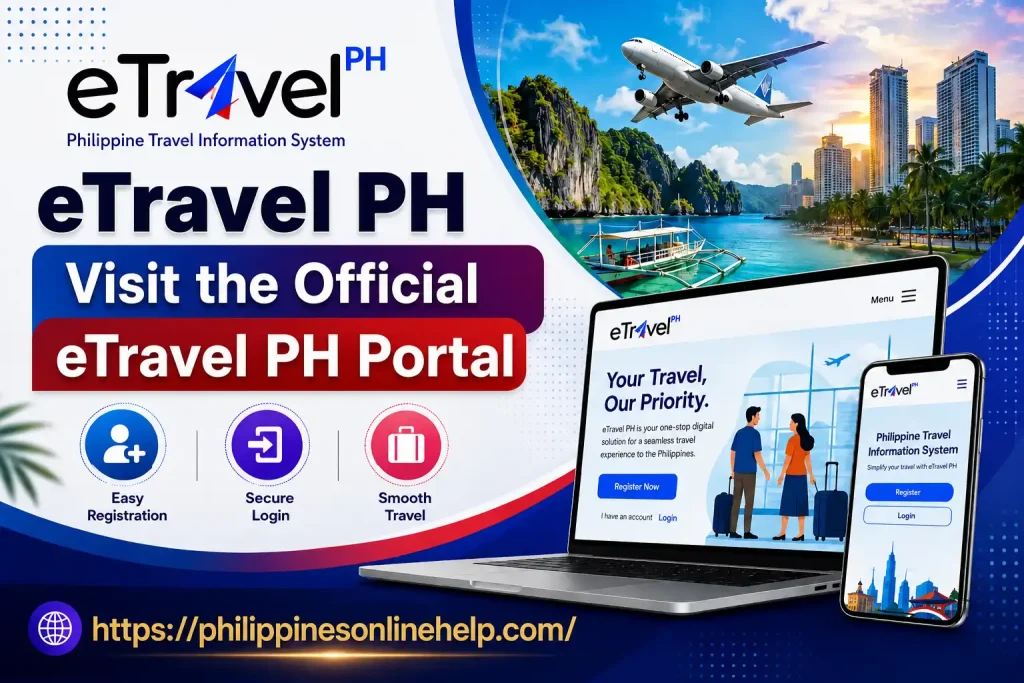
To begin your eTravel PH registration, visit the official eTravel PH portal using a secure internet connection and make sure you are accessing the correct government website. The official portal allows travelers to submit their required personal information, passport details, and travel information before their trip. Since eTravel registration is free, be cautious of unofficial websites that ask for payment or unnecessary personal details. Using the official eTravel Philippines portal helps ensure that your registration information is submitted through the proper channel.
Enter Your Login Details
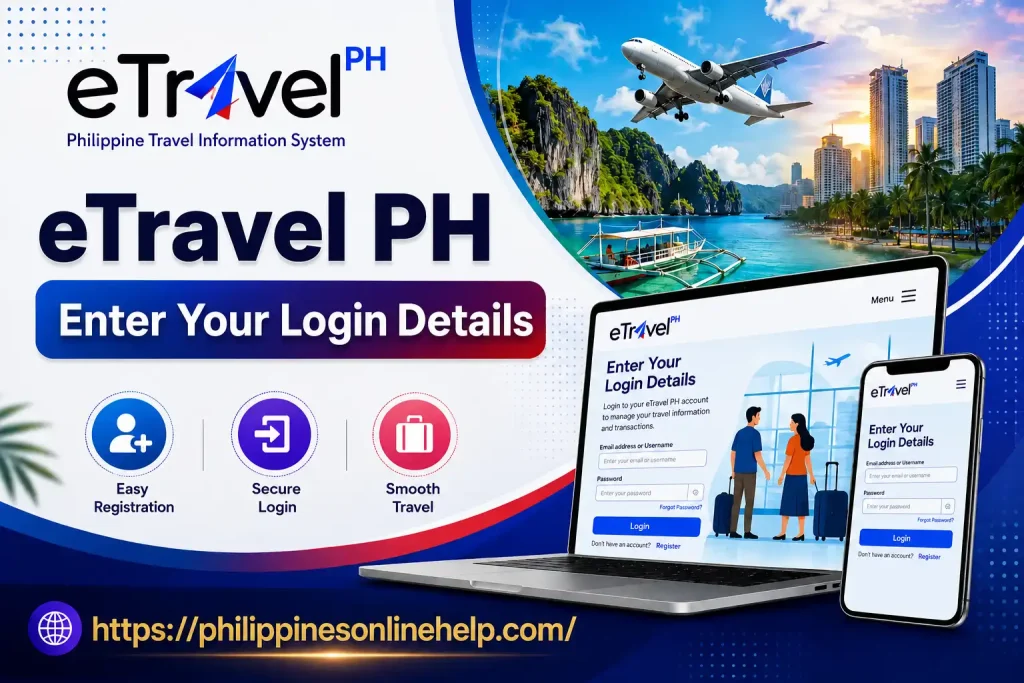
After opening the official eTravel PH website, enter your registered login details carefully to access your account. Provide the required email address and password associated with your eTravel Philippines account, then check the information before selecting the login option. Make sure your credentials are entered correctly and never share your password with others. Once logged in, you can access your travel information, review your registration details, and complete any required updates before your trip.
Access Your eTravel Account
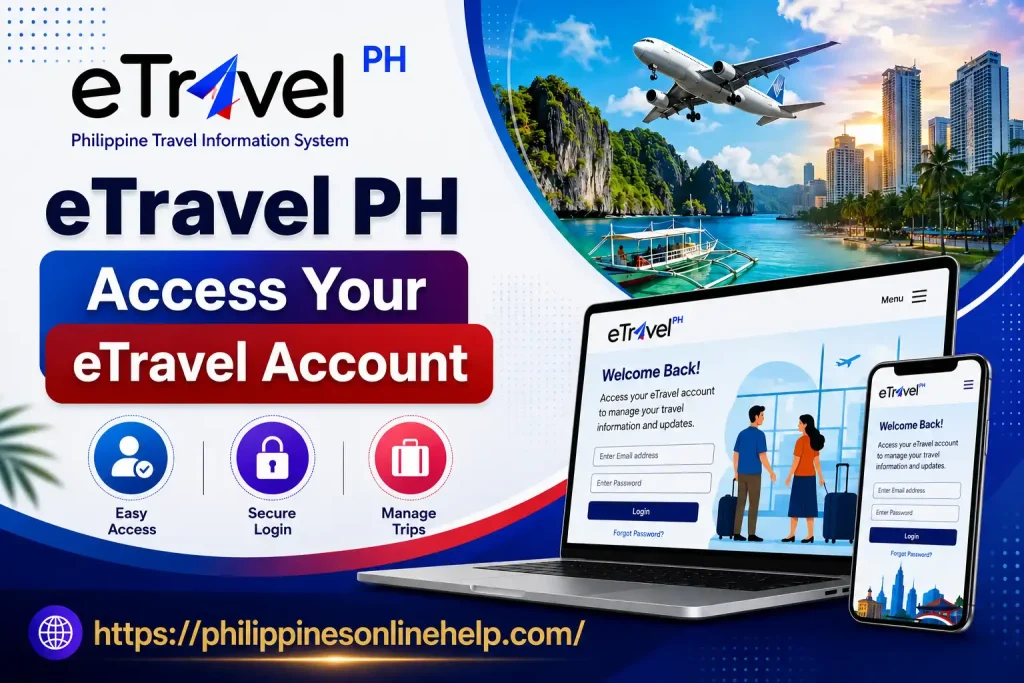
Once you have entered your correct login details, select the login option to access your eTravel account and view your registered information. After signing in, you can review your eTravel PH registration, check your personal and travel details, and manage available travel information through the official eTravel Philippines portal. Before completing any updates, carefully verify that your details are accurate and match your travel documents so your eTravel QR code and registration information remain correct.
eTravel PH Travel Guide
The eTravel PH Travel Guide helps travelers understand how to complete the required eTravel registration before traveling to or from the Philippines. Travelers can use the official eTravel Philippines portal to provide their personal information, passport details, travel information, and other required declarations, then submit the form and save their eTravel QR code for use during the travel process. To avoid delays or potential scams, always use the official government website, keep your information accurate and updated, and complete your registration within the permitted registration period before your trip.
Complete Your eTravel Registration
To complete your eTravel registration, make sure all required personal, passport, and travel information has been entered accurately on the official eTravel PH portal. Carefully review your details before submitting the form, then complete the registration and save your eTravel QR code once it is generated. Keeping a digital copy of your QR code on your phone can make it easier to present when requested during your journey. Always use the official eTravel Philippines website and avoid unofficial services that charge fees for registration.
Check and Save Your QR Code
After completing your eTravel PH registration, carefully check the generated eTravel QR code to make sure your submitted information is accurate and complete. Once verified, save the QR code on your smartphone, download it if the portal provides that option, or take a clear screenshot so you can easily access it during your journey. Keeping your eTravel QR code available can help make the travel verification process smoother when it is requested by airline staff or Philippine authorities. Always ensure that your travel information matches your passport and other official documents.
Present Your Information When Required
After completing your eTravel PH registration, keep your eTravel QR code and travel information easily accessible in case they are requested during your journey. Airline staff or Philippine authorities may ask you to present your QR code or verify your personal information, passport details, and other submitted travel details. Make sure the information matches your official documents and that your QR code is clear and readable on your device. Keeping a saved copy of your eTravel registration can help make the travel verification process more convenient.
How to Apply for eTravel PH
To apply for eTravel PH registration, start by visiting the official eTravel Philippines portal and providing the required personal and travel information. Enter your passport details, contact information, flight details, and other requested declarations carefully. New travelers should follow the registration instructions on the portal, while returning users can access their existing information where applicable. Before submitting, review every detail to ensure it matches your official travel documents and helps prevent issues during the travel verification process.
After submitting your information, check the registration confirmation and save your eTravel QR code on your phone or as a screenshot. The QR code may be requested during your journey, so keep it readily available along with your passport and other travel documents. Remember that eTravel registration is free, and you should use only the official government portal rather than websites that request unnecessary payments or sensitive information. Completing the process accurately and within the required registration period can make your Philippines travel requirements easier to manage.
What are the Benefits of eTravel PH
The eTravel PH system offers several benefits for travelers by providing a convenient way to submit required travel information before arriving in or departing from the Philippines. Instead of completing certain declarations manually, travelers can enter their personal details, passport information, and journey details online through the official portal. The system also generates an eTravel QR code, which can be kept on a mobile device and presented when required, helping make the travel verification process more organized and efficient.
Another important benefit is that eTravel registration helps streamline information processing for relevant Philippine authorities and reduces the need for repetitive paperwork. Travelers can review their submitted information before completing the process and keep a digital record of their registration for easier access. Because the official eTravel Philippines portal is free to use, travelers can complete the process online without paying a registration fee, making it a convenient part of preparing for Philippines travel requirements.
How to contact with eTravel PH
If you need help with your eTravel PH registration, login, QR code, or other travel related concerns, you can use the official eTravel Philippines Contact page to submit your email address and message directly through the portal. The official website provides a dedicated Contact Us form where travelers can describe their issue and request assistance. Always use the official eTravel government website when submitting personal or travel information, and avoid unofficial websites that claim to provide eTravel support.
Before contacting support, check the official eTravel FAQ section because it provides answers to common issues involving registration, QR codes, editing information, and travel requirements. The official eTravel system confirms that registration is free of charge and that eTravel is the only official eTravel website. If you have lost your QR code, the FAQ also explains how to retrieve your registration using the Edit Registration option with your reference number and date of birth.
Tips for eTravel PH
When completing your eTravel PH registration, always use the official eTravel Philippines portal and make sure your personal information, passport details, and travel information are entered accurately. Complete the registration within the required period before your trip, carefully review all details before submitting, and avoid websites that request payment because the official eTravel registration is free. It is also a good idea to use a reliable internet connection and keep your passport nearby while entering your information to reduce the chance of mistakes.
After completing the process, save your eTravel QR code on your phone or take a clear screenshot so it is easy to present when required. Double check that your QR code and travel details are correct and keep your registration information accessible throughout your journey. If you make an error or experience a problem, check the official eTravel FAQ or contact the appropriate support channel rather than relying on unofficial agents. Following these simple eTravel PH tips can help make your travel preparation more organized and convenient.
Frequently Asked Questions (FAQs)
Conclusion
Overall, eTravel PH provides travelers with a convenient way to complete important Philippines travel requirements before arriving in or departing from the country. From creating an account and entering accurate travel information to reviewing the registration and saving the eTravel QR code, following each step carefully can help make the travel process more organized. Travelers should always use the official eTravel Philippines portal, keep their passport and registration details accurate, and avoid unofficial websites that request unnecessary fees. By completing the eTravel registration properly and keeping the QR code accessible when needed, passengers can be better prepared for a smoother and more convenient travel experience.