ORUS Online Registration & Login Proper Guide in 2026
The ORUS Online Portal provides users with a convenient way to access registration, login, and other essential online services through a centralized platform. This guide explains the basic ORUS process in simple language, helping new and existing users understand how to create an account, sign in, manage their information, and use the available portal features efficiently.
Whether you are accessing ORUS for the first time or need help with your existing account, this complete guide covers the important steps you need to know. From ORUS registration and login to common account related issues and useful tips, you can follow this guide to navigate the platform more confidently and make the most of its online services. Visit our website: https://philippinesonlinehelp.com
What is ORUS
ORUS online registration and information system designed to provide users with convenient access to various digital services through a centralized portal. It allows users to create an online account, securely log in to the ORUS portal, submit or manage required information, and access available services without unnecessary paperwork. By offering a simple digital registration process, ORUS helps make online transactions more organized, accessible, and efficient for users.
How to registration in ORUS
To register in ORUS (Online Registration and Update System), first visit the official BIR ORUS website, select the Register/Sign Up option, enter your required personal or business information, provide a valid email address and mobile number, create your username and password, and complete the required verification process; after successfully creating your account, log in to ORUS and follow the appropriate New Registration or Registration Update option for your needs. ORUS is used by the Bureau of Internal Revenue (BIR) in the Philippines for online registration and registration related transactions.
Visit the ORUS Website
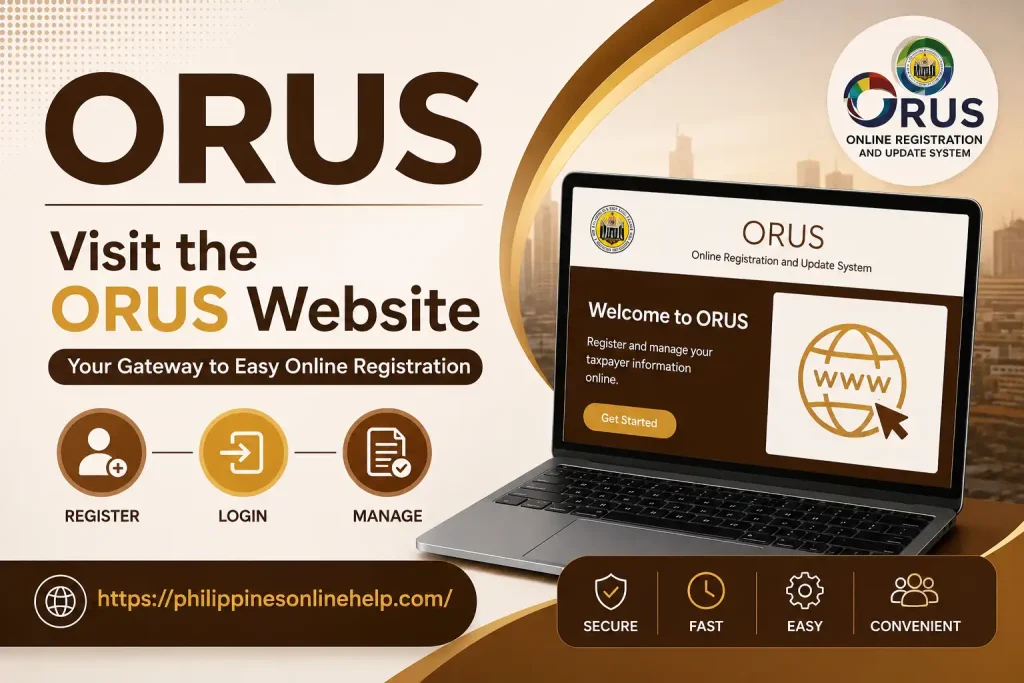
To visit the ORUS website, open your web browser and go to the official BIR Online Registration and Update System (ORUS). ORUS is the Bureau of Internal Revenue (BIR) web based system that allows taxpayers to complete online registration, update registration information, and access other registration related services.
Select Your User Type
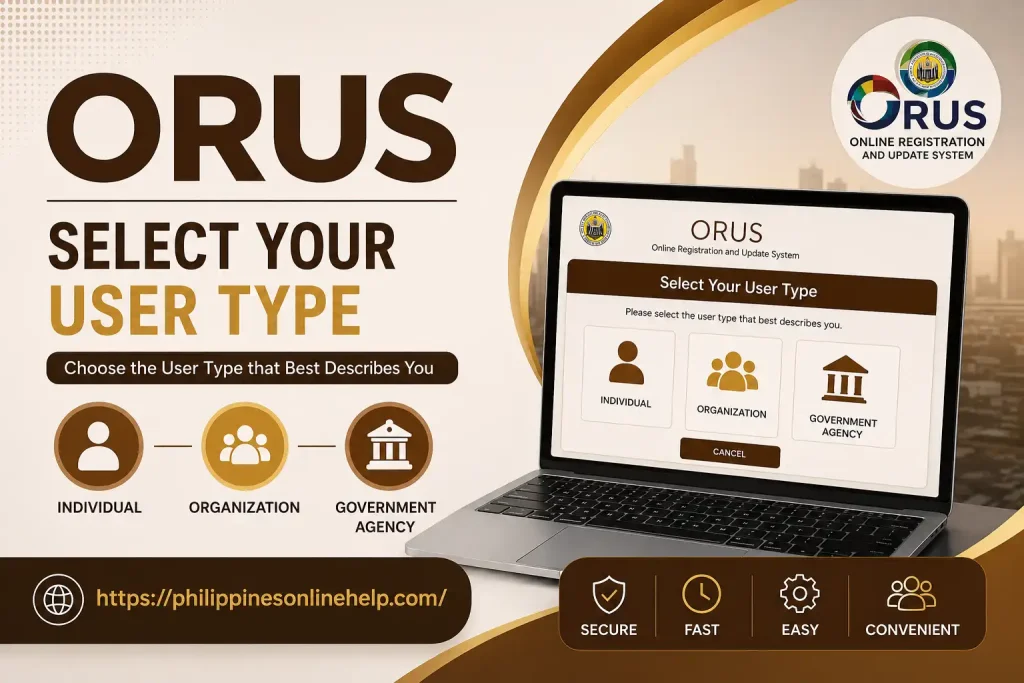
After opening the ORUS website, the next step is to select your user type according to your registration needs; choose the appropriate option, such as Individual Taxpayer, Business/Organization, or another applicable category, then carefully review the selected option before proceeding to the next registration step.
Create Your ORUS Account
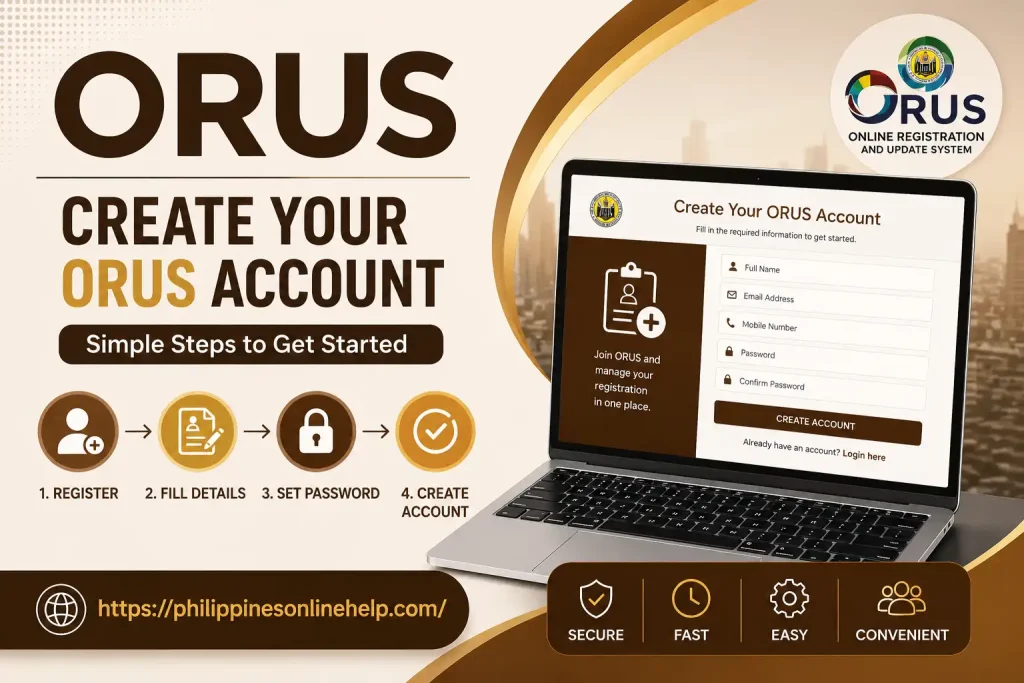
To create your ORUS account, enter the required personal information and valid contact details, provide an active email address, create a secure username and password, and carefully review all information before submitting the registration form; once submitted, complete the required email verification or account confirmation process to activate your ORUS account and proceed with the available BIR online services.
Verify Your Email
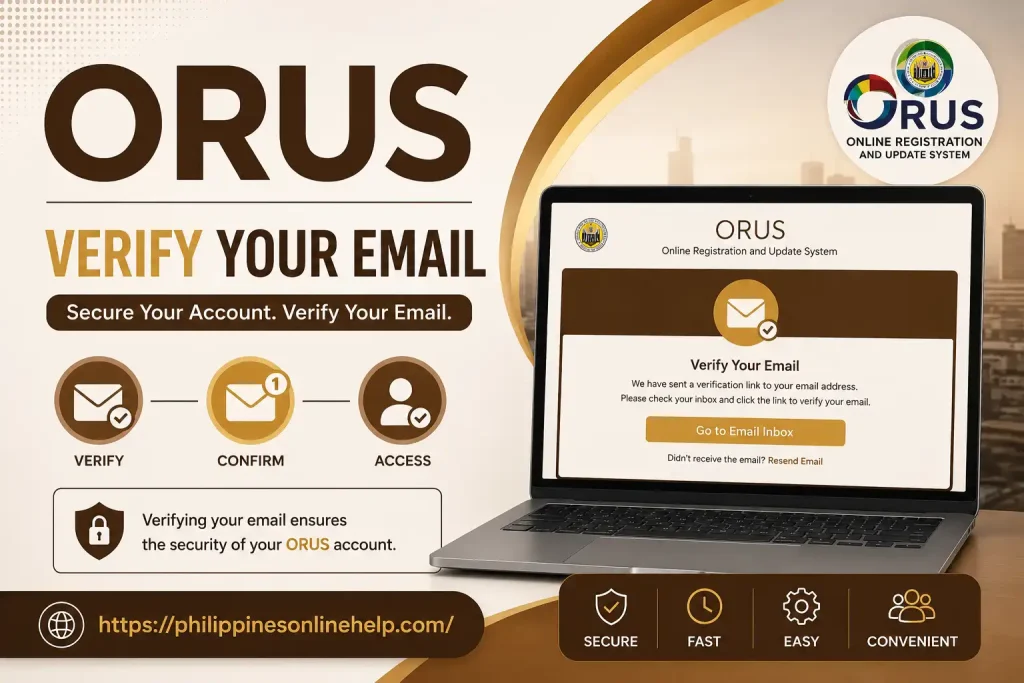
After creating your ORUS account, check your registered email inbox for the verification message from ORUS, open the email, and click the verification link provided to confirm your email address; completing this email verification step activates your account and allows you to continue with your ORUS registration and access available BIR online services.
Complete the Registration Form
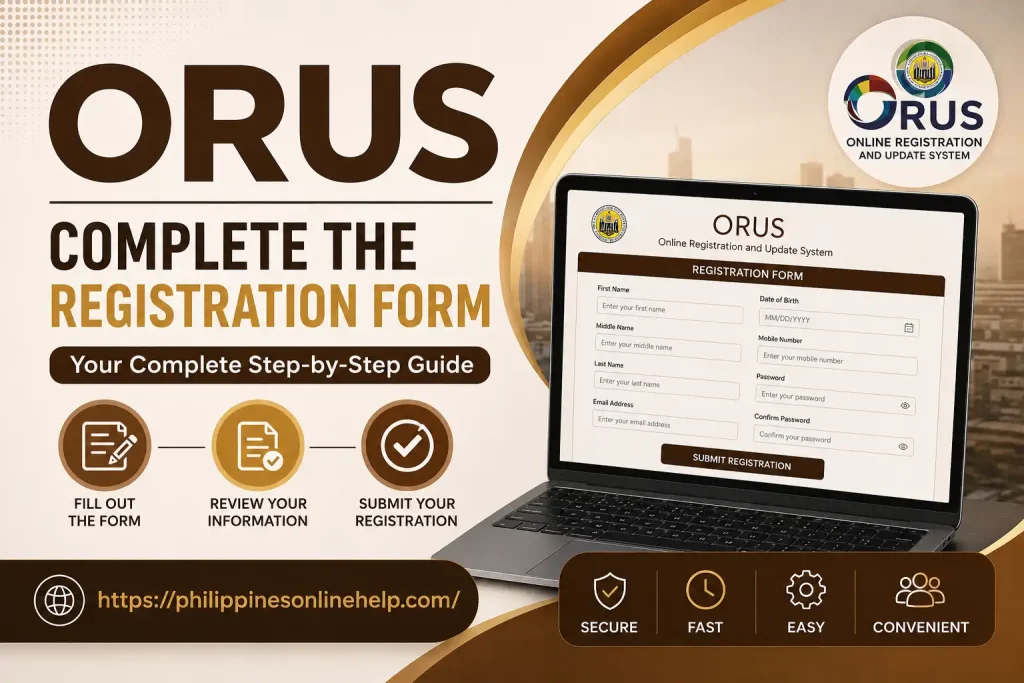
Complete the ORUS Registration Form by entering all required personal information, taxpayer details, contact information, and other applicable registration data accurately; carefully review each field to ensure your information is correct, upload any required supporting documents, and then submit the completed form to continue your BIR registration through ORUS.
Submit and Check Your Application
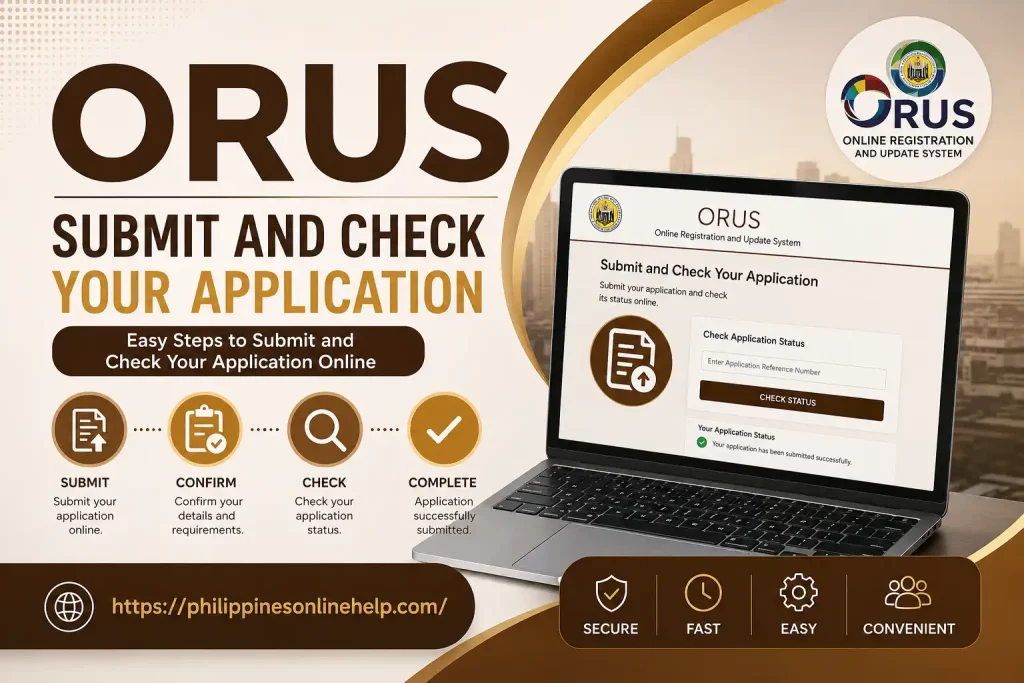
After completing the ORUS registration form, carefully review all the information and supporting documents, then click the Submit button to send your application to the Bureau of Internal Revenue (BIR); after submission, use your ORUS account to check the application status, monitor updates, and respond to any additional requirements or corrections requested by the BIR until your registration application is successfully processed.
Login Guide
The ORUS Login Guide helps users securely access their BIR ORUS account and manage available online services; visit the official ORUS portal, enter your registered email address or username and password, complete any required security verification, and click Login to access your account dashboard, where you can manage taxpayer registration, check application details, and use other available BIR online services.
Visit the ORUS Portal
To visit the ORUS Portal, open your preferred web browser and access the official BIR Online Registration and Update System (ORUS) website, where you can securely access your ORUS account, manage taxpayer registration, check application information, and use available BIR online services; always make sure you are using the official ORUS portal to protect your personal and tax related information.
Enter Your Login Details
On the ORUS login page, enter your registered username or email address and password in the appropriate fields, carefully check that your login credentials are correct, complete any required security verification, and then click the Login button to securely access your ORUS account and continue using the available BIR online services.
Access Your ORUS Account
After entering your correct login details, click the Login button to access your ORUS account; once successfully authenticated, you can view your ORUS dashboard, check your registration status, manage taxpayer information, submit applicable requests, and access other available BIR online services securely from your account.
Need for ORUS
The ORUS (Online Registration and Update System) is needed to make BIR registration and related taxpayer transactions more convenient, organized, and accessible online. Instead of completing every registration related task through traditional manual procedures, users can use ORUS to submit required information, manage their taxpayer registration details, and complete eligible services electronically. This makes the registration process easier for individual taxpayers, businesses, and other users who need to interact with the Bureau of Internal Revenue (BIR).
Another important need for ORUS is to provide a more efficient way to handle registration updates and online applications while reducing unnecessary paperwork and visits to BIR offices for transactions that can be completed online. Through a secure online portal, users can monitor application information, receive updates, and maintain their registration records more conveniently. By using ORUS properly, taxpayers can save time and effort while keeping their BIR information accurate and up to date.
How to Apply for ORUS
To apply through ORUS, first access the official BIR Online Registration and Update System, select the appropriate taxpayer or user type, and create or log in to your ORUS account. Complete the required registration information, provide accurate taxpayer details, upload any necessary supporting documents, and carefully review your application before submitting it. Make sure all information is correct to help avoid processing delays or requests for corrections.
After submitting your application, use your ORUS dashboard to monitor the application status and check for any notifications or additional requirements from the Bureau of Internal Revenue (BIR). If the application is approved, follow the instructions provided by ORUS to complete the applicable registration process and access your available BIR online services. Keep your application details and confirmation records for future reference.
What are the Benefits of ORUS
One of the main benefits of ORUS is that it makes eligible BIR registration services more convenient by allowing taxpayers to complete certain transactions through an online portal instead of relying entirely on in person procedures. Users can submit required information, manage taxpayer registration details, and access available services from a computer or other internet connected device. This can help reduce paperwork, save time, and make registration related processes more organized and accessible.
Another important benefit is the ability to monitor application status and receive relevant updates through the system, helping users stay informed about their registration requests. ORUS can also support more efficient registration updates and electronic processing for eligible transactions, reducing unnecessary trips to a BIR office. By keeping information accurate and following the system’s requirements, taxpayers can enjoy a more streamlined registration experience and convenient access to available BIR online services.
Limitations of ORUS
Although ORUS makes many BIR registration services more convenient, it also has some limitations. Not every taxpayer transaction or service may be available online, and certain applications may still require additional verification, supporting documents, or BIR office assistance. Users also need a reliable internet connection, valid personal information, and access to their registered email or account credentials. Technical issues such as website maintenance, system errors, or login problems can sometimes affect access to the portal.
Another limitation is that users must carefully provide accurate taxpayer information and follow the requirements shown by the system, because incomplete or incorrect details may result in application delays or requests for corrections. Some users may also find the online process challenging if they are unfamiliar with digital registration procedures. For this reason, applicants should carefully review their information, follow the instructions provided by BIR, and seek official assistance when a transaction cannot be completed through ORUS.
How to contact with ORUS
If you need help with ORUS, you can contact the Bureau of Internal Revenue (BIR) through its official taxpayer assistance channels for questions about registration, login issues, application status, or other ORUS related concerns. Before contacting support, keep your TIN, registered email address, application or transaction details, and any relevant error messages available so the BIR can better understand your concern and provide appropriate guidance.
You can also check the official BIR website and ORUS portal for updated contact information, announcements, FAQs, and available support options. When submitting a concern, clearly explain your registration issue, provide accurate details, and avoid sharing sensitive information such as your password or verification codes. Using official BIR channels is the safest way to receive reliable assistance with your ORUS account and registration services.
Tips for ORUS
When using ORUS, always enter accurate and up to date taxpayer information and double check your details before submitting any application or registration request. Use a valid email address, keep your login credentials secure, and regularly check your inbox for verification messages or BIR notifications. It is also helpful to prepare the required supporting documents in advance and use a stable internet connection to avoid interruptions while completing online transactions.
For a smoother ORUS experience, make sure you access the official BIR ORUS portal and carefully follow the instructions provided for your specific transaction. Keep copies of your application reference details and submitted documents so you can check your status or respond quickly if additional information is requested. If you encounter a technical problem, review the available BIR guidance or contact official support rather than sharing your password or other sensitive account information with anyone.
Frequently Asked Questions (FAQs)
Conclusion
Overall, ORUS provides a convenient digital registration platform that helps taxpayers manage registration related tasks, submit information, monitor applications, and access eligible BIR online services more efficiently. By following the proper registration and login steps, keeping taxpayer information accurate, preparing required documents, and using the official BIR ORUS portal, users can make their online transactions more organized and reduce unnecessary paperwork. Although some services may still require additional verification or BIR assistance, understanding the system’s features, limitations, and security tips can help ensure a smoother and more confident ORUS experience.