SSS Employer Online Registration & Login Complete Guide in 2026
SSS Employer is an online service designed to help employers manage their Social Security System responsibilities more easily. Through the SSS Employer Portal, registered employers can access important services such as employer registration, account login, employee reporting, contribution management, payment information, and other SSS related transactions. Using the online system can make it easier for businesses to keep their employer records updated and manage their SSS obligations efficiently.
In this guide, we will explain the SSS Employer Registration, SSS Employer Login, employer account requirements, contribution related services, and the basic steps for using the online portal. Whether you are a new employer or already have an SSS employer account, this guide will help you understand the process and access the available SSS Employer Online Services more conveniently. Visit our website: https://philippinesonlinehelp.com/
About SSS Employer
SSS Employer is an important online service that helps businesses and organizations manage their Social Security System (SSS) responsibilities efficiently. Through the SSS Employer portal, registered employers can access essential services such as employer registration, employee reporting, contribution management, payment related information, and other SSS transactions. The platform is designed to make SSS contribution compliance more convenient, organized, and accessible for employers. By using the official SSS Employer services, businesses can maintain accurate employee records, manage their obligations, and complete important transactions online while saving time and reducing paperwork.
How to register in SSS Emploter
To register as an SSS Employer, start by visiting the official SSS website and select “Create a My.SSS account or login,” then choose “Create account” and select Employer. Enter your Employer Information, making sure all details match your existing SSS records, complete the CAPTCHA, and click Next. Review the information, accept the Terms of Service, and submit the registration. SSS will send a verification link to the company’s registered email address; use this link to continue the registration process and provide the Employer Authorized Signatory details when required. After submission, the application is forwarded to the SSS servicing branch for validation. Once approved, you will receive an email containing a link to create your My.SSS Employer password, allowing you to access employer services online.
1: Visit the Official SSS Website
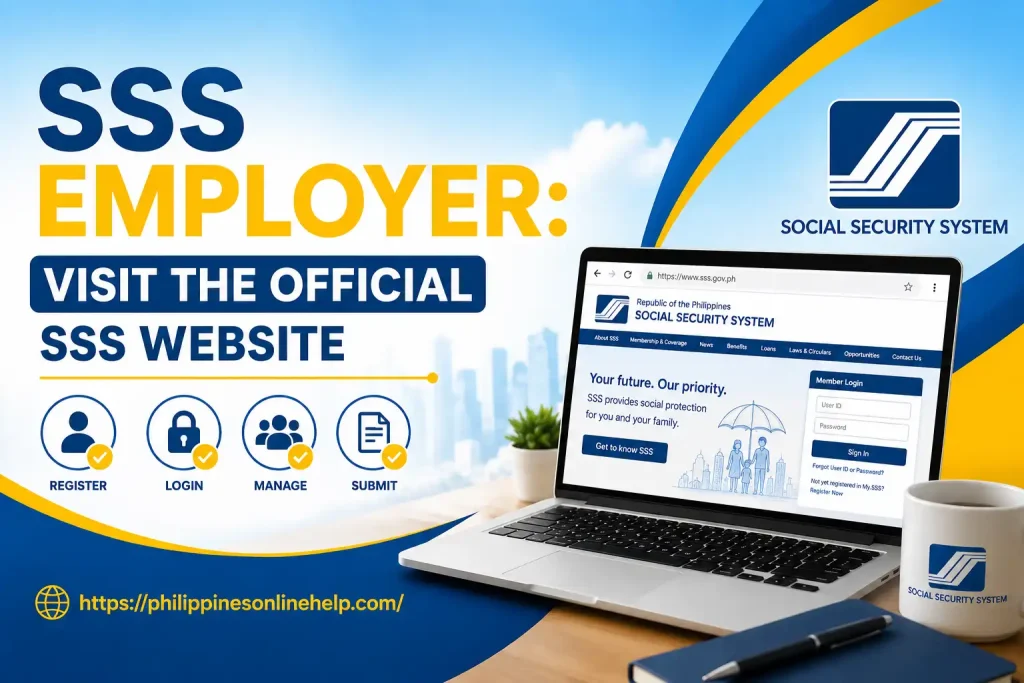
To begin your SSS Employer registration, visit the official Social Security System (SSS) website and access the My.SSS Employer section. Make sure you are using the official SSS portal to protect your employer information and avoid unauthorized websites. From the homepage, look for the My.SSS or Employer Registration/Login option and proceed to start your online registration. Having your required SSS Employer details ready can help make the registration process faster and easier.
2: Prepare Your Employer Information
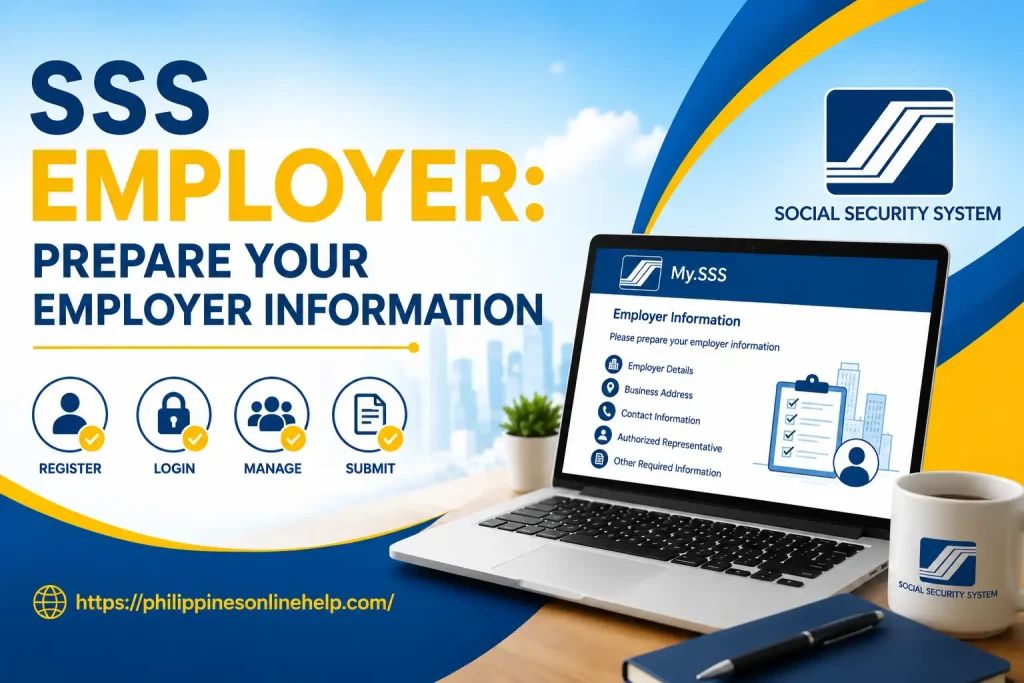
Before continuing with your SSS Employer registration, prepare all the necessary employer information required by the Social Security System (SSS). Make sure your Employer Number, business or company name, registered address, contact details, authorized representative information, and other relevant SSS Employer details are accurate and match your official SSS records. Keeping your information and supporting documents ready can help prevent errors, avoid registration delays, and ensure a smooth SSS Employer online registration process.
3: Complete the Employer Registration Form
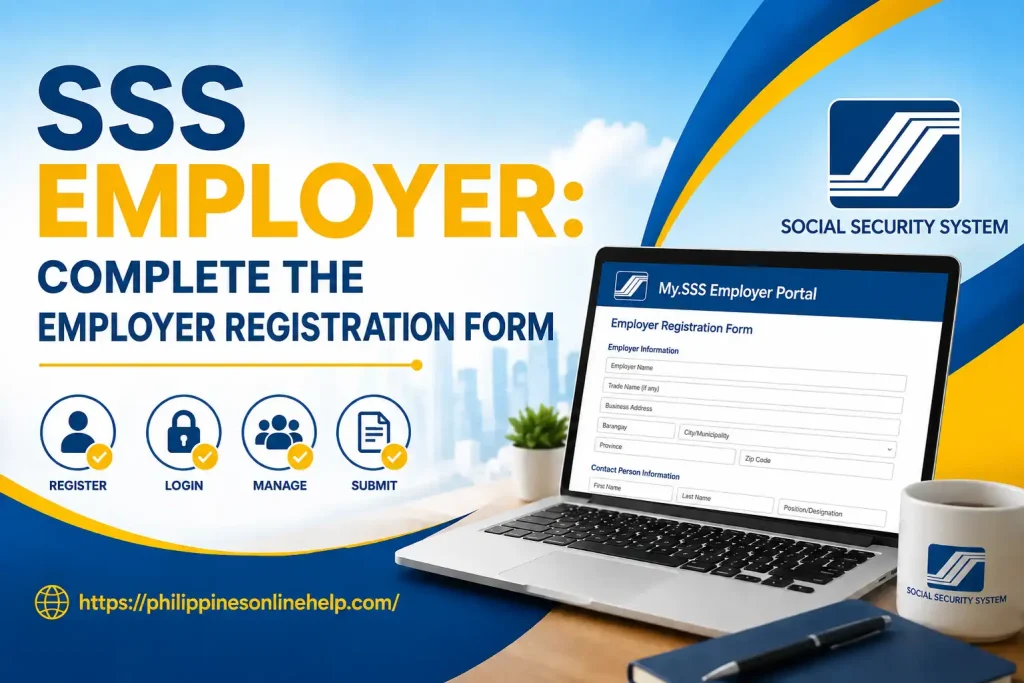
After preparing your information, complete the SSS Employer Registration Form by entering the required business details, Employer Number, company name, registered address, contact information, and details of the authorized representative. Carefully review every field before submitting the form to ensure that the information matches your official SSS records. Providing accurate and complete details helps avoid errors or delays during the SSS Employer registration process and makes it easier to access My.SSS Employer online services.
4: Submit Your Registration
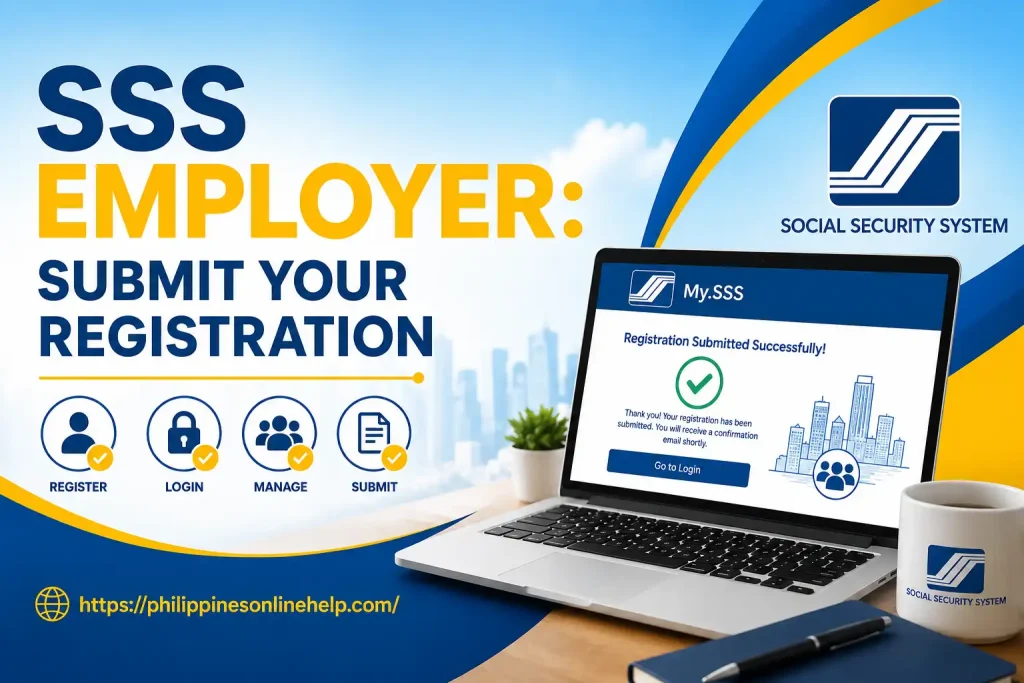
Once you have completed the SSS Employer Registration Form and reviewed all the information, submit your application through the official SSS Employer portal. Before clicking the submit button, carefully check your Employer Number, business details, contact information, and other required data to ensure everything is accurate. After successful submission, keep your registration confirmation or reference details for future use, as the SSS may need to validate your information before granting access to My.SSS Employer online services. Completing this step correctly helps ensure a smooth SSS Employer registration process and reduces the possibility of delays caused by incorrect information.
5: Receive Your Employer Details and Log In
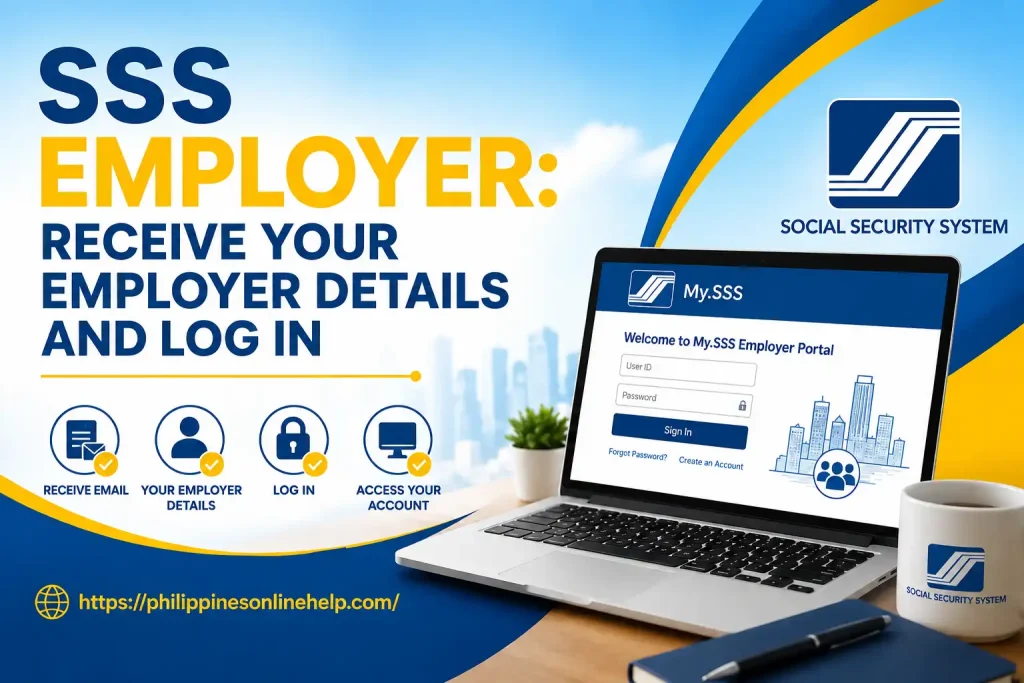
After successfully submitting your SSS Employer registration, wait for the confirmation email or registration notification containing your employer account details and further instructions. Use the provided information to access the My.SSS Employer portal, then enter your registered credentials to log in to your SSS Employer account. Make sure to keep your Employer Number, username, password, and other account details secure for future transactions. Once logged in, you can access available SSS Employer online services, manage employer related information, and handle important SSS contribution and employee related transactions more conveniently.
Login Guide
The SSS Employer Login process allows registered employers to securely access their My.SSS Employer account and manage important online services. To begin, visit the official SSS website and select the My.SSS Employer Login option, then enter your registered Employer Number, username, or other required login credentials along with your password. After verifying the details, complete any security verification and click Login to access your account. Once signed in, employers can manage employee records, review SSS contributions, submit required reports, and use other available SSS Employer online services. Always keep your login credentials confidential and use the official SSS portal to protect your account information.
1: Visit the SSS Employer Portal
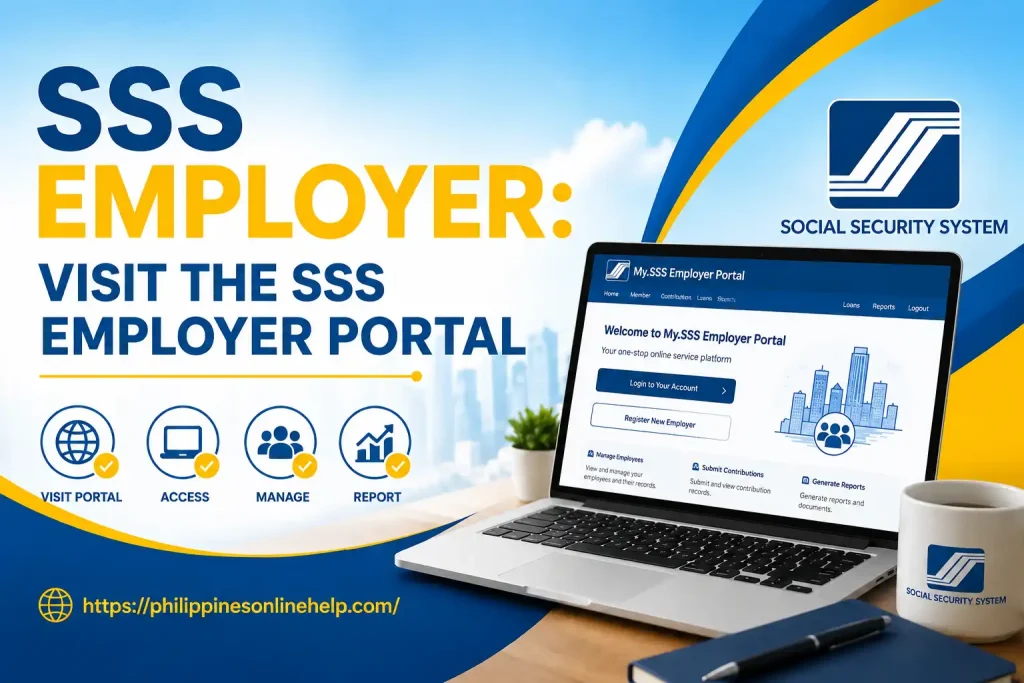
To start the SSS Employer Login process, visit the official Social Security System (SSS) website and access the My.SSS Employer Portal. Make sure you are using the official SSS platform to protect your employer account and personal information. On the portal, look for the Employer Login option and click it to proceed. Having your registered SSS Employer login credentials ready will help you access your account quickly and continue managing available SSS Employer online services.
2: Enter Your Login Credentials
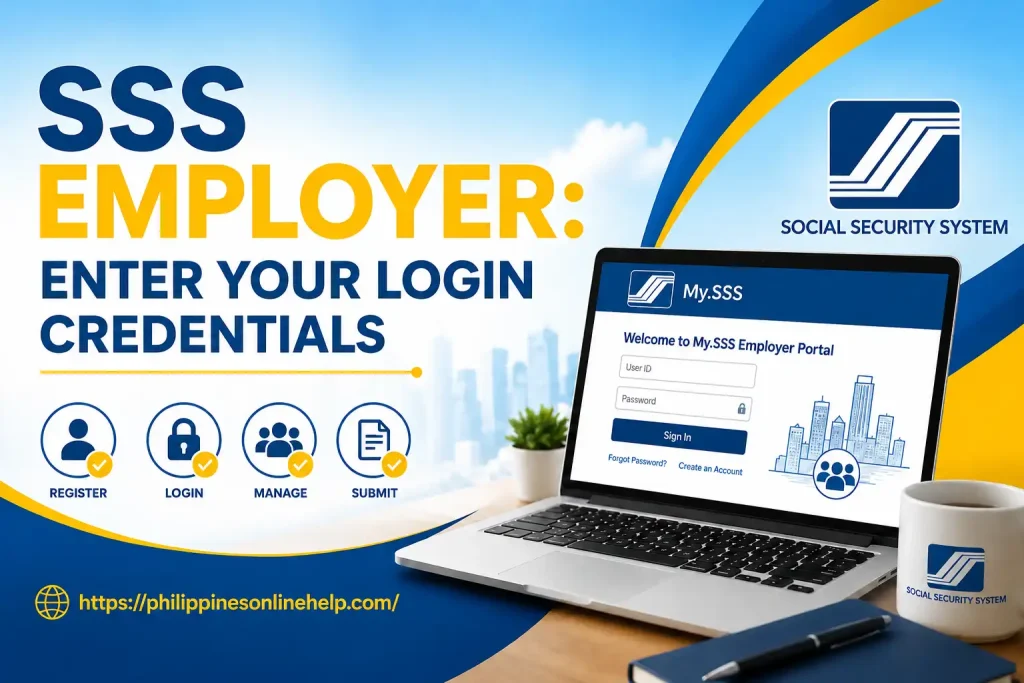
After opening the SSS Employer Portal, enter your registered SSS Employer login credentials in the appropriate fields. Provide your Employer Number, registered username, or other required account details, followed by your secure password. Carefully check the information before proceeding to avoid login errors. If the credentials are correct, you can continue to access your My.SSS Employer account and use available SSS Employer online services for managing employee records, contributions, and other employer transactions.
3: Access Your SSS Employer Account
After entering your correct SSS Employer login credentials, click the Login button to access your My.SSS Employer account. If your information is verified successfully, you will be directed to your employer dashboard, where you can manage available SSS Employer online services, review employee records, check SSS contributions, and complete other employer related transactions. Always make sure your login details are accurate and keep your account credentials secure when accessing the SSS Employer Portal.
Need for SSS Employer
The SSS Employer service is essential for businesses and organizations that employ workers covered by the Social Security System (SSS). It provides employers with a convenient way to manage important responsibilities such as employee registration, SSS contribution payments, reporting, and maintaining accurate employer records. By using online SSS Employer services, businesses can handle many SSS related transactions more efficiently, reduce paperwork, and keep their employee information organized. Proper employer registration also helps ensure compliance with applicable SSS requirements and supports employees in receiving their entitled social security benefits.
Having an active SSS Employer account also makes it easier for employers to access their My.SSS Employer Portal, review contribution information, manage employee related transactions, and monitor their account details. A reliable SSS online system can save time and make routine employer obligations more convenient, especially for businesses managing multiple employees. By keeping SSS Employer information accurate and contributions properly reported, employers can maintain better records, avoid unnecessary issues, and support the social protection of their workforce.
What are the Benefits of SSS Employer
SSS Employer services, employers can conveniently handle employee related information, monitor SSS contributions, manage records, and complete various transactions without relying entirely on manual paperwork. The system can help improve record accuracy, save administrative time, and provide easier access to essential employer information. It also supports employers in maintaining proper SSS compliance and ensuring that covered employees receive the social security protection associated with their contributions.
Another major benefit of using an SSS Employer account is the convenience of accessing employer services through the My.SSS Employer Portal. Employers can manage their account information, review contribution related details, and perform available online transactions from a centralized platform. This can make employee management, contribution monitoring, and routine SSS responsibilities more organized and efficient. By keeping employer and employee records updated and fulfilling required SSS obligations, businesses can maintain smoother operations while supporting the social security benefits of their workforce.
How to contact with SSS Employer
If you need assistance with your SSS Employer account, registration, login, contributions, or other employer related concerns, you can contact the Social Security System (SSS) through its official customer service channels. Employers should prepare important details such as their Employer Number, registered business information, and a clear description of their concern before contacting SSS. This information can help the support team identify the account and provide more relevant assistance. For security purposes, avoid sharing your SSS password, PIN, or other confidential login information with anyone.
For online assistance, employers can use the official SSS website and available My.SSS Employer services to access information and support options. You may also visit an SSS branch for concerns that require in person assistance or document verification. When contacting SSS about your SSS Employer account, always use official communication channels and verify that the information you receive comes directly from SSS. Keeping your employer records and contact details updated can also make future SSS transactions easier and more efficient.
Tips for SSS Employer
Employers can make their SSS Employer experience easier by keeping all employer information and employee records accurate and updated. Regularly review SSS contributions, employee details, payment records, and required reports to help prevent errors or delays. Always use the official SSS Employer Portal when completing online transactions and keep your account credentials secure. It is also helpful to maintain copies of important SSS documents, payment confirmations, and transaction records for future reference. Staying informed about updated SSS policies, contribution requirements, and employer responsibilities can help businesses remain compliant and manage their obligations more efficiently.
Another useful tip is to check your SSS Employer account regularly instead of waiting until a deadline approaches. Make sure employee registrations and contribution information are properly maintained, and address any account issues as soon as they appear. Employers should also avoid sharing their My.SSS login credentials with unauthorized individuals and should verify official SSS communications before providing sensitive information. By following these simple SSS Employer tips, businesses can improve record management, reduce administrative problems, and provide better social security support for their employees while maintaining smooth day to day operations.
Frequently Asked Questions (FAQs)
Conclusion
Managing your SSS Employer responsibilities becomes more convenient when you understand the registration, login, contribution, and online service processes. Through the My.SSS Employer Portal, businesses can organize employee information, monitor SSS related transactions, maintain accurate records, and handle important employer responsibilities more efficiently. By completing registration correctly, keeping account details updated, protecting login credentials, and regularly checking employer records, you can reduce common errors and avoid unnecessary delays. Whether you are registering a new employer account or managing an existing one, using the available SSS Employer Online Services properly can help keep your business records organized and your SSS obligations on track.