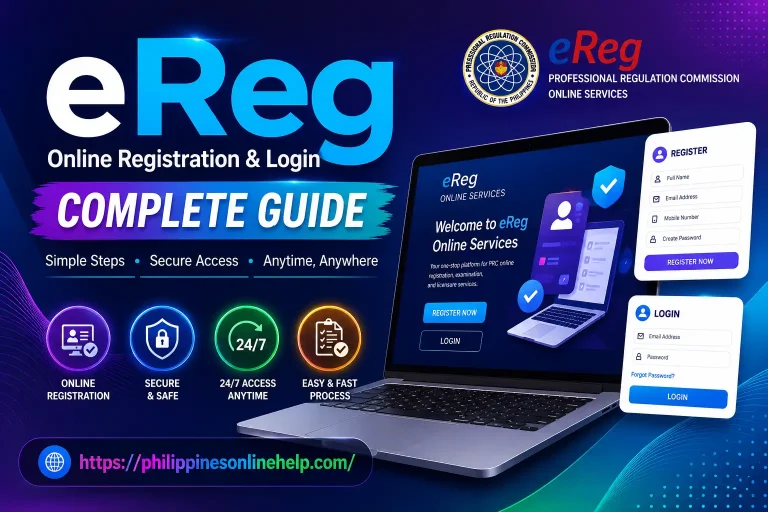
LERIS Online Registration & Login Complete Guide in 2026
The LERIS Online Registration system is the official digital platform developed by the Professional Regulation Commission (PRC) to help Filipino professionals manage their licensing services online. Through the LERIS Portal, users can create an account, submit applications, schedule appointments, renew their professional licenses, verify credentials, and access various PRC services without visiting an office for every transaction. The platform is designed to make the registration process faster, more convenient, and more accessible.
This LERIS Online Registration & Login Complete Guide in 2026 explains everything you need to know, from creating a new account to signing in securely and navigating the portal with ease. Whether you are applying for your first PRC license, renewing an existing license, or updating your account information, this guide provides clear and practical steps to help you complete every process efficiently while avoiding common registration and login issues. Visit our web site: https://philippinesonlinehelp.com
What is LERIS
LERIS (Licensure Examination and Registration Information System) is the official online platform of the Professional Regulation Commission (PRC) in the Philippines, designed to provide convenient access to a wide range of professional licensing services. Through the LERIS Portal, users can register for licensure examinations, create and manage their PRC accounts, renew professional licenses, schedule appointments, verify credentials, and access other essential PRC services online. By digitizing these processes, This helps reduce paperwork, save time, and make government services more efficient and accessible for Filipino professionals and aspiring license holders.
How to Register in LERIS
Creating a account is the first step to accessing online services offered by the Professional Regulation Commission (PRC). Once you complete your registration, you can apply for licensure examinations, renew your PRC license, schedule appointments, and manage other professional services through the LERIS Portal. Follow these steps to register successfully.
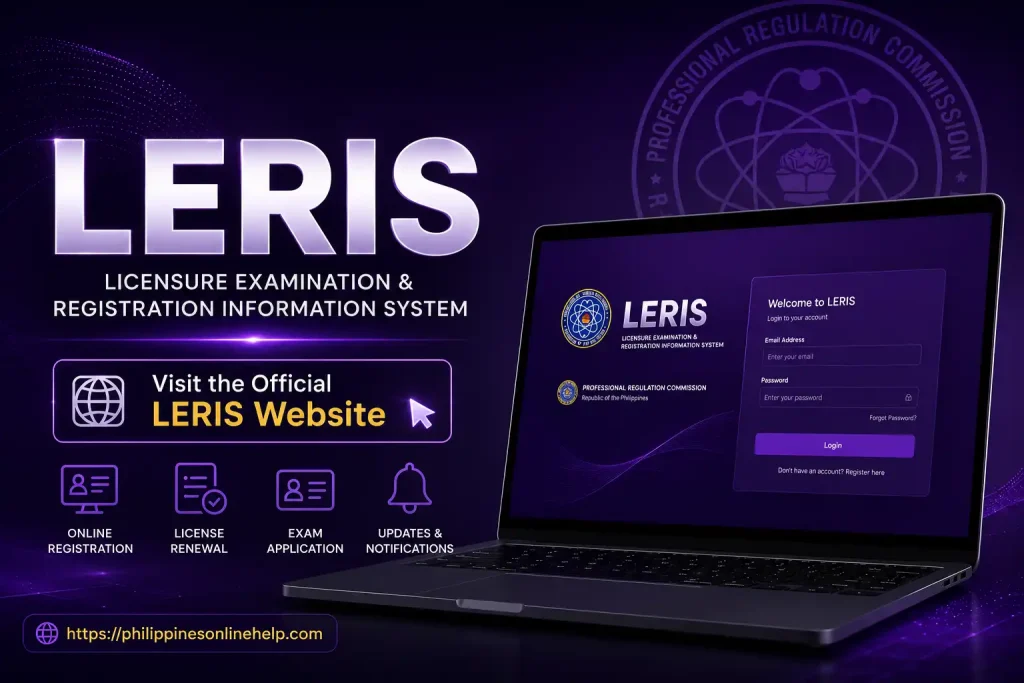
Visit the official LERIS website
Visit the official website to access the Licensure Examination and Registration Information System, where you can register a new account, log in, manage your PRC online services, apply for board examinations, schedule appointments, renew your professional license, and monitor the status of your PRC transactions through a secure online portal.
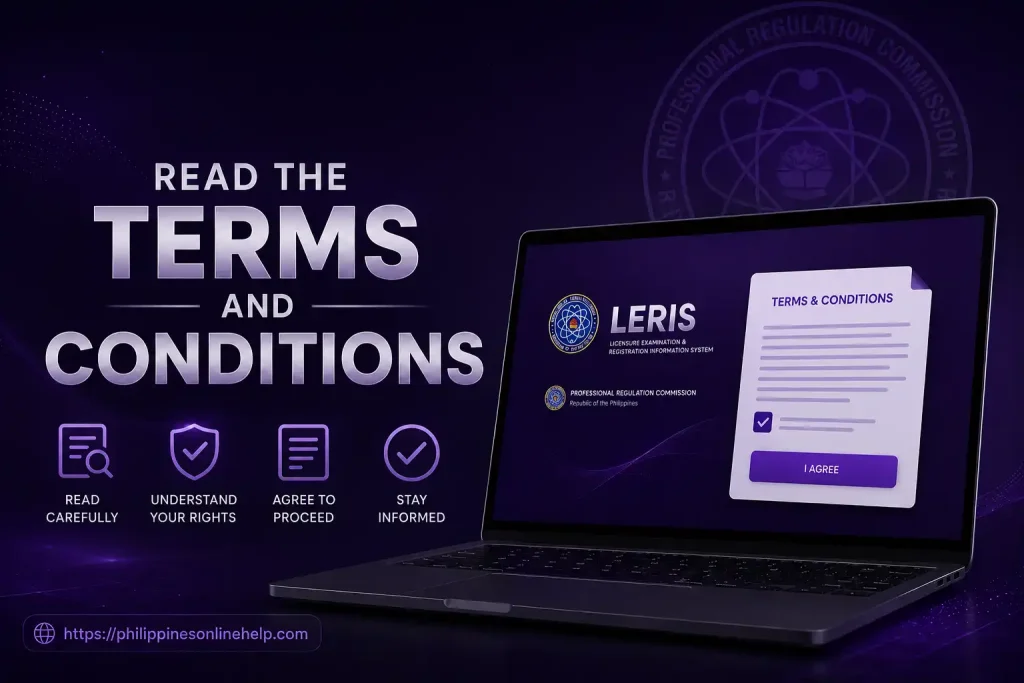
Read the Terms and Conditions
Before creating your account, carefully read the Terms and Conditions to understand the platform’s rules, privacy policy, user responsibilities, and PRC service guidelines, ensuring that you agree to all requirements before proceeding with your online registration and other LERIS prc services.
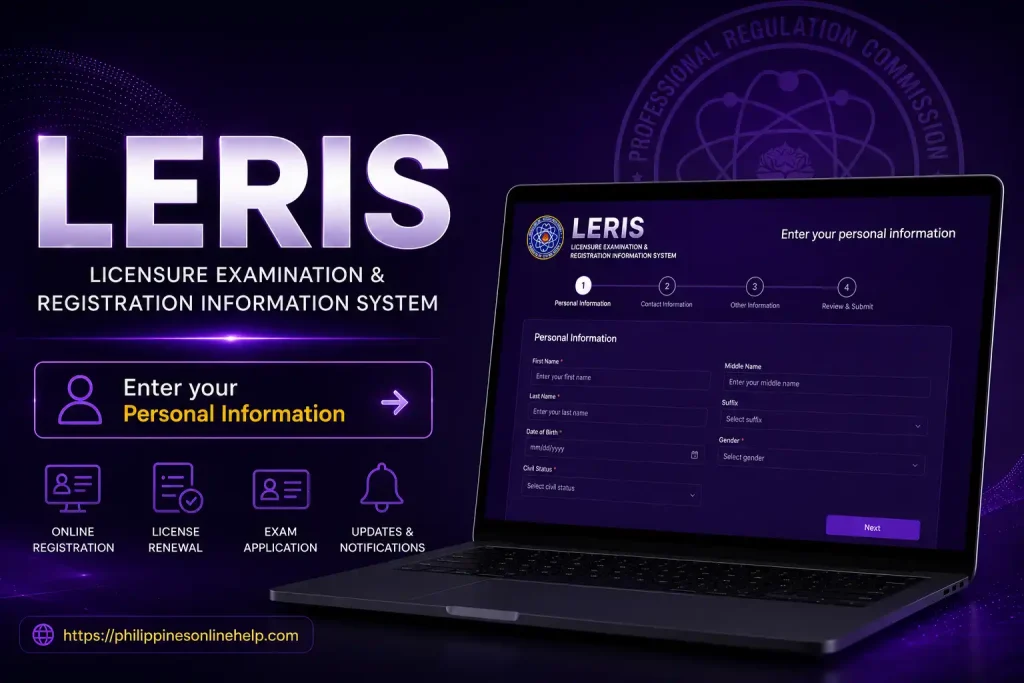
Enter your personal information
Enter your personal information accurately, including your full name, date of birth, email address, mobile number, and other required details exactly as they appear on your official documents to ensure a smooth LERIS registration process and avoid delays in your PRC online application.
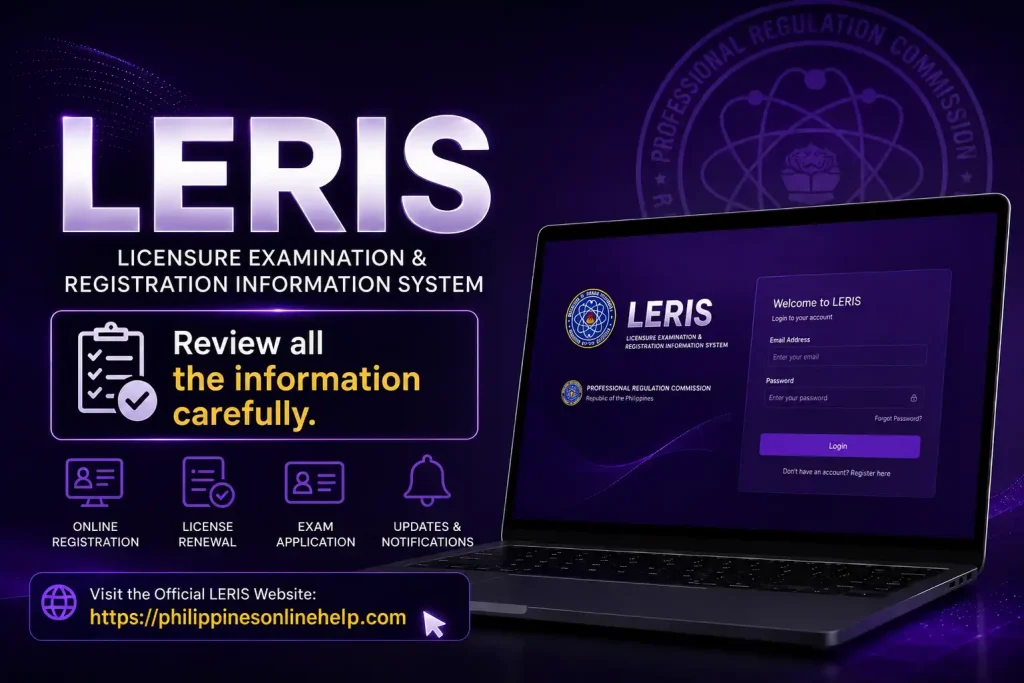
Review all the information carefully
Carefully review all the information you have entered before submitting your LERIS registration to ensure every detail is accurate and matches your official records, as incorrect information may cause delays or issues with your PRC online application, account verification, and future professional license transactions.
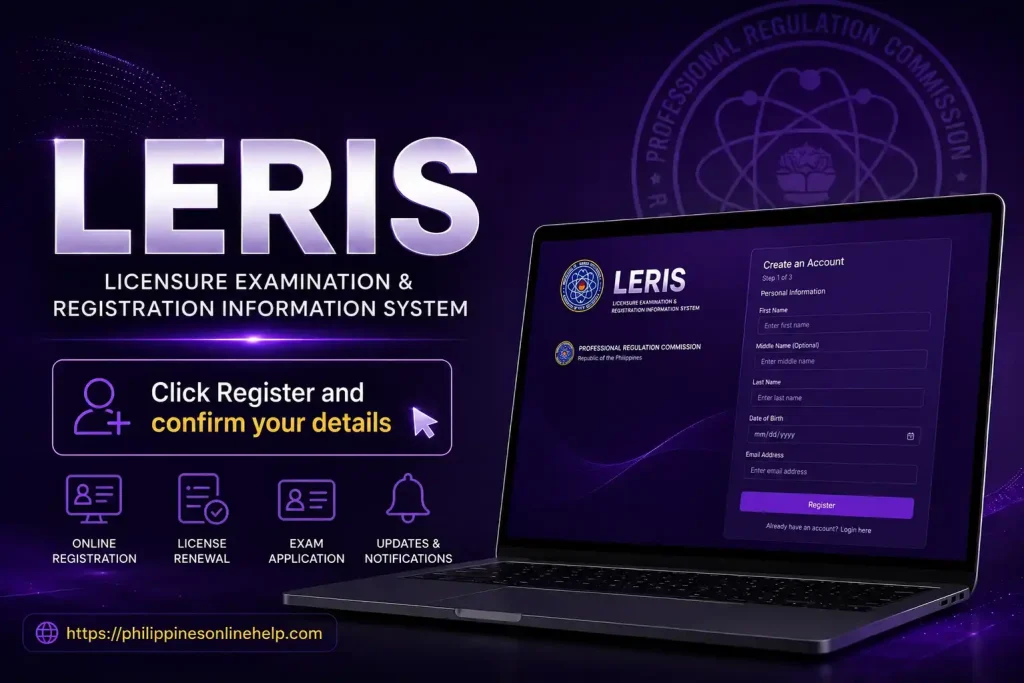
Click Register and confirm your details
Click the Register button after verifying that all your information is correct, then confirm your details to complete your LERIS registration successfully. Once your account is created, you can access various PRC online services, including board exam applications, license renewal, appointment scheduling, and other professional transactions.
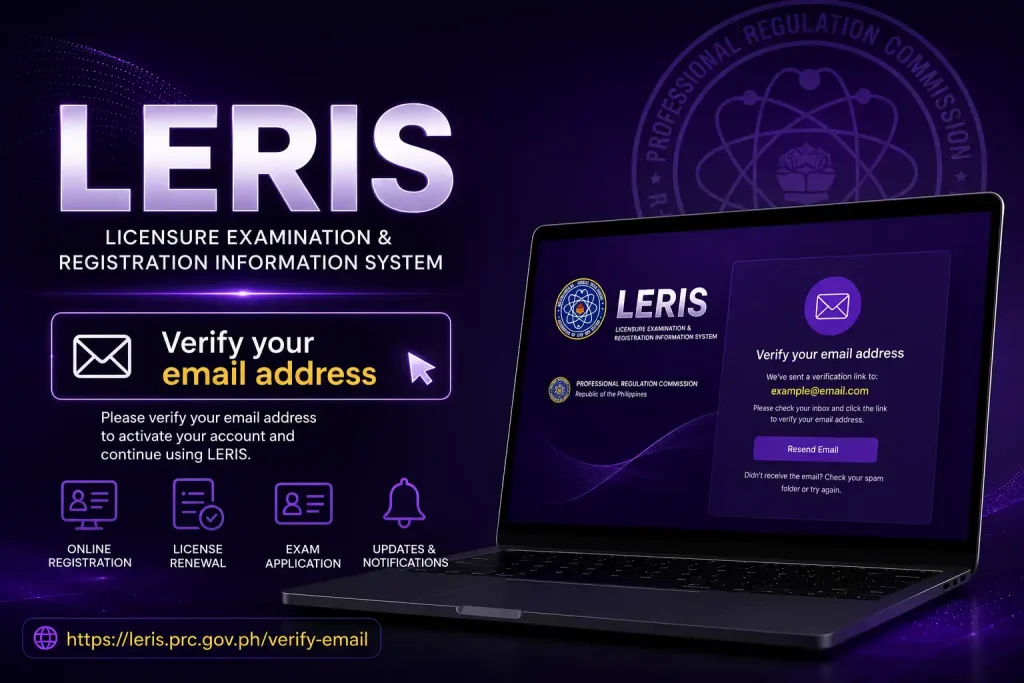
Verify your email address
After completing your LERIS registration, verify your email address by opening the verification message sent to your inbox and clicking the confirmation link. This step activates your account, secures your PRC online profile, and allows you to access all available online services without interruption.
LERIS Login Guide
The Login Guide helps users securely access their account by visiting the official PRC LERIS portal, entering their registered email address and password, and clicking the Sign In button. After logging in, you can manage your PRC online services, apply for board examinations, renew your professional license, schedule appointments, and track the status of your online transactions with ease.
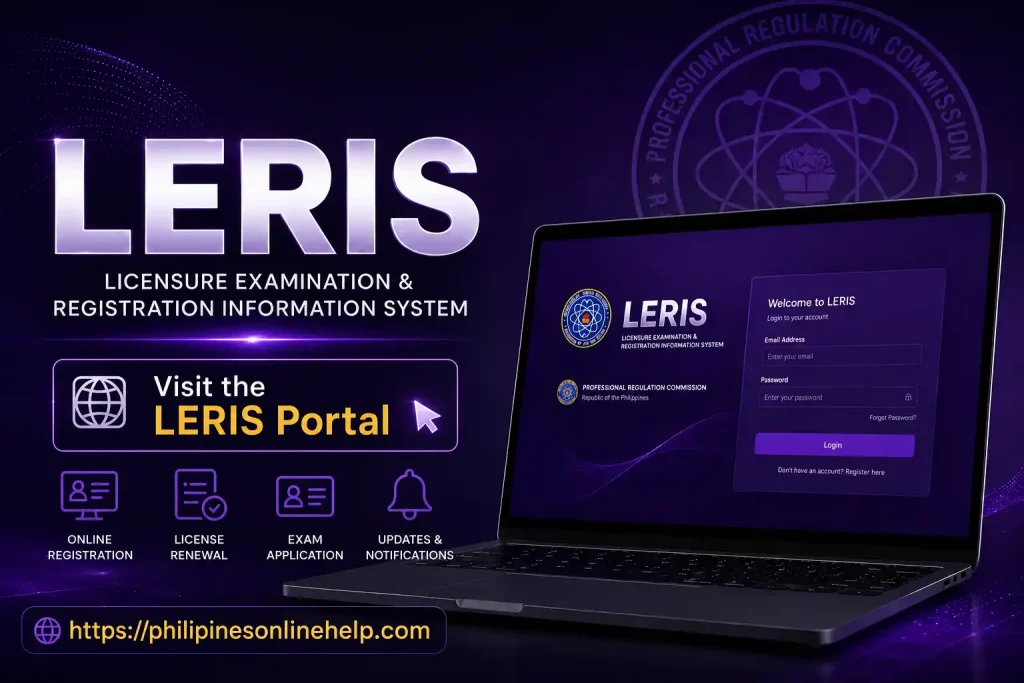
Visit the LERIS Portal
Visit the official LERIS Portal to securely access your PRC online account, where you can log in, manage your professional profile, apply for board examinations, renew your PRC license, schedule appointments, and monitor your online transactions through the Licensure Examination and Registration Information System.
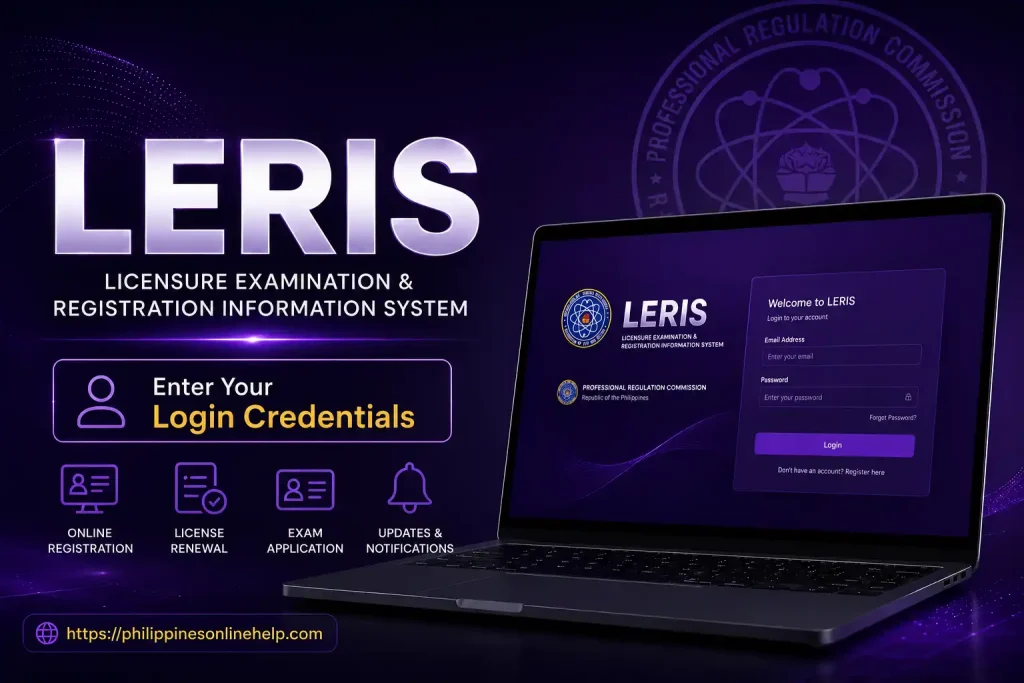
Enter Your Login Credentials
Enter your login credentials by providing your registered email address and password in the designated fields on the LERIS login page. Make sure the information is correct to securely access your account and use PRC online services, including license renewal, board exam applications, appointment scheduling, and transaction tracking.
Access Your Account
Once you have entered your login credentials, click the Sign In button to access your LERIS account securely. After logging in, you can manage your PRC online services, update your personal information, apply for licensure examinations, renew your professional license, schedule appointments, and track your application status from your personalized dashboard.
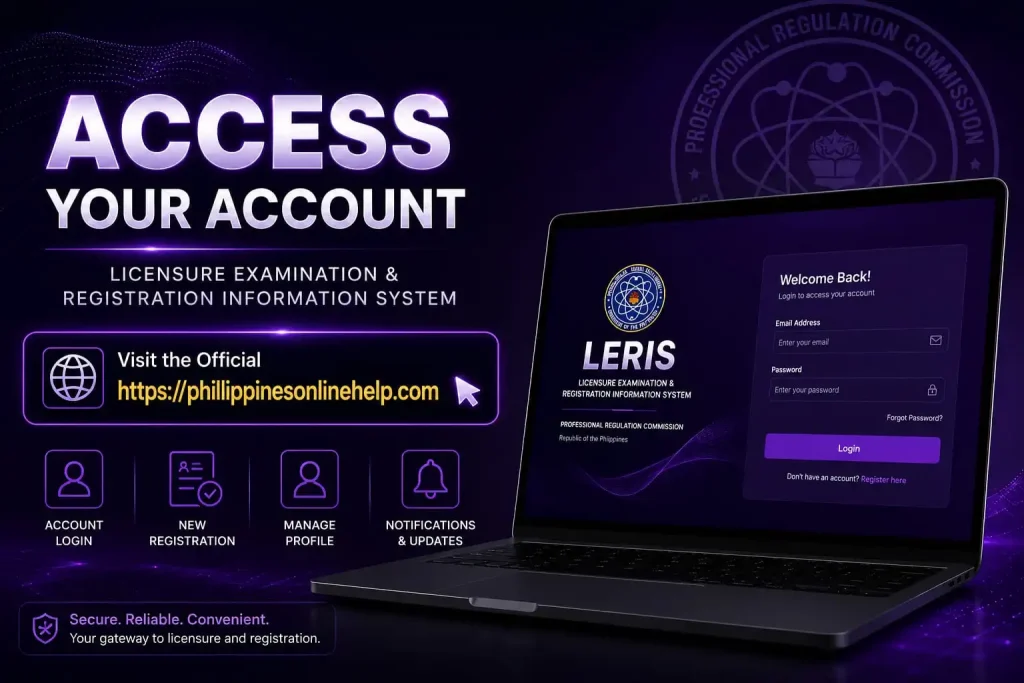
Need for LERIS
The LERIS (Licensure Examination and Registration Information System) is essential because it simplifies the way professionals and aspiring license holders interact with the Professional Regulation Commission (PRC). Instead of visiting PRC offices for every transaction, users can complete important tasks online, including PRC license renewal, licensure examination applications, appointment scheduling, and account management. This digital platform saves time, reduces paperwork, and makes government services more accessible.
In addition, the Portal provides a secure and organized system for managing professional records and applications. Users can track the status of their requests, update personal information, verify credentials, and access various PRC services from anywhere with an internet connection. By offering convenient online access, LERIS improves efficiency, minimizes processing delays, and delivers a smoother experience for Filipino professionals.
What Are the Benefits of LERIS
The LERIS (Licensure Examination and Registration Information System) offers a fast and convenient way to access Professional Regulation Commission (PRC) services online. With a account, users can apply for licensure examinations, renew their PRC license, schedule appointments, verify professional credentials, and manage their personal information without visiting a PRC office for every transaction. This saves valuable time, reduces paperwork, and makes the entire process more efficient.
Another major benefit of the Portal is its accessibility and secure account management. Users can log in anytime to check application status, update their profile, download available documents, and monitor important PRC transactions from any location with an internet connection. By providing reliable online services, LERIS enhances the overall user experience while helping professionals complete their licensing requirements quickly and conveniently.
Limitations of LERIS
Although LERIS (Licensure Examination and Registration Information System) offers many convenient online services, it also has some limitations. The platform relies entirely on a stable internet connection, so users with slow or unreliable internet may experience difficulties during registration, login, or application submission. In addition, heavy website traffic during peak periods can lead to slow loading times, temporary system errors, or delays in processing online transactions.
Another limitation is that some issues cannot be resolved through the Portal alone. Users may still need to contact the Professional Regulation Commission (PRC) or visit a PRC office for account verification, document corrections, or other concerns that require manual review. Furthermore, incorrect information entered during registration or application can cause delays, making it important to review all details carefully before submitting any request.
Solving Issues with LERIS
If you experience problems while using LERIS (Licensure Examination and Registration Information System), most issues can be resolved with a few simple steps. For login problems, verify that you are using the correct email address and password, and use the Forgot Password option if you need to reset your credentials. If the website is slow or unresponsive, try refreshing the page, clearing your browser’s cache and cookies, switching to a different browser, or accessing the portal during off peak hours when traffic is lower.
For registration errors, application issues, or incorrect personal information, carefully review your details before submitting any form to avoid processing delays. If the problem continues, contact the Professional Regulation Commission (PRC) through its official support channels or visit the nearest PRC office for assistance. Keeping your account information accurate and following the official guidelines can help ensure a smooth and hassle free experience with the LERIS prc Portal.
How to Contact PRC for LERIS Support
If you need assistance with LERIS (Licensure Examination and Registration Information System), you can contact the Professional Regulation Commission (PRC) through its official communication channels. Visit the official PRC website to find the latest contact information, regional office details, and online inquiry options. You can also reach out by email or telephone for help with account registration, login issues, license renewal, appointment scheduling, and other PRC related services.
If your concern cannot be resolved online, you may visit the nearest PRC Regional Office for in person assistance. Before your visit, prepare any required documents, such as a valid ID, reference number, or application details, to help speed up the support process. Using the official PRC contact channels ensures that you receive accurate information and reliable assistance for all LERIS prc Portal concerns.
Tips for Using LERIS
Using LERIS (Licensure Examination and Registration Information System) is easier when you follow a few best practices. Always use the official LERIS Portal, create a strong password, and keep your email address up to date because it is used for account verification and important PRC notifications. Before submitting any application, double check your personal information, uploaded documents, and appointment details to avoid delays or rejected requests.
It is also a good idea to log in during non peak hours if the website is slow due to heavy traffic. Keep copies of your application reference numbers, payment receipts, and confirmation emails for future reference. Regularly check your account for updates on your application status, scheduled appointments, and other Professional Regulation Commission (PRC) announcements to ensure a smooth and hassle free experience.
Frequently Asked Questions (FAQs)
Conclusion
The LERIS Online Registration & Login Guide makes it easier to understand how to use the LERIS prc Portal for all major PRC online services. Whether you need to create a account, complete your login, apply for licensure examinations, renew your PRC license, schedule appointments, or manage your professional records, following the correct steps ensures a smooth and hassle free experience. Always use the official Professional Regulation Commission (PRC) website, keep your account information accurate, and stay updated with the latest guidelines to make the most of the Licensure Examination and Registration Information System (LERIS) for all your professional licensing needs.